Drafted for review. Last source review: 11 October 2026. No affiliate links are used in this article.
A burst pipe at 7.30am does not care that your quote for a bathroom refit is waiting in your inbox. A good plumbing business has to absorb both jobs, keep the customer informed, send the right person to the right address, record what happened, and still turn the work into an invoice before the detail disappears.
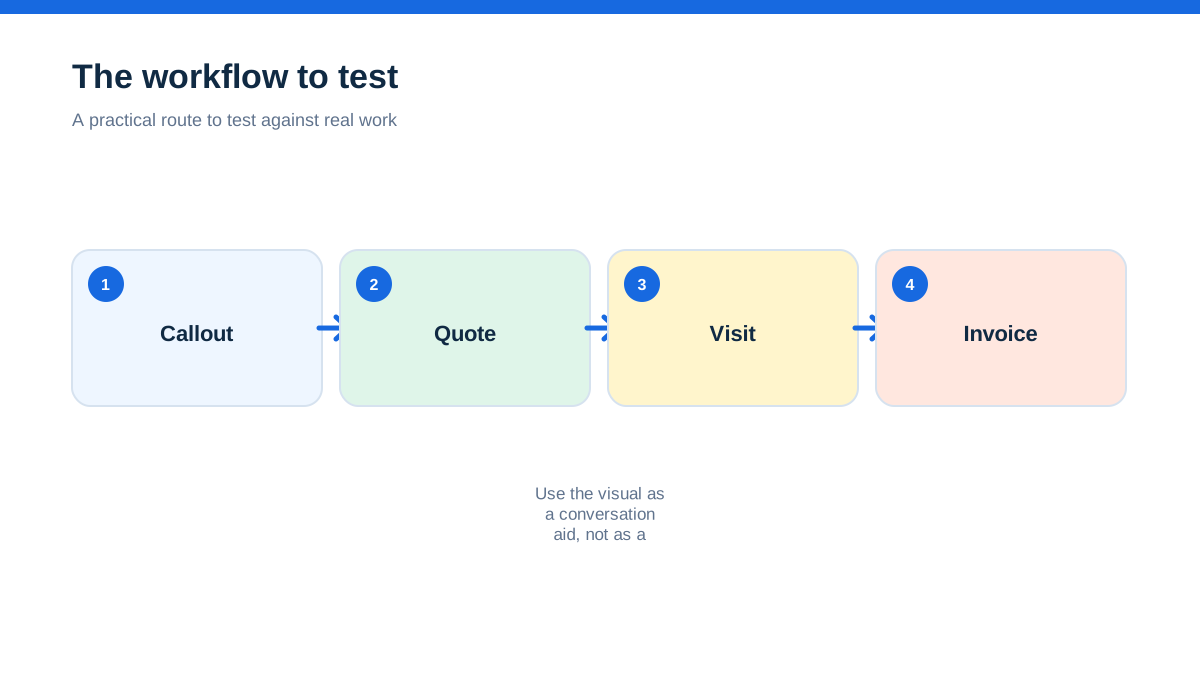
That is the real test of plumbing job management software. It is not whether an app has the longest feature list. It is whether a plumber can open the next job with the right history, record labour and materials while the facts are fresh, produce the required paperwork, and hand clean information back to the office or accountant.
There is no single best choice for every UK plumber. ServiceM8, Tradify, Fergus, Commusoft and Simpro all describe plumbing workflows on their official sites, but they aim at different levels of operational complexity. This guide compares the useful differences without treating provider marketing claims as independent evidence. Check the live plan, integrations, support arrangements and any trade-specific forms before committing.
When a familiar morning exposes the real problem
Imagine a two-person plumbing business with a full diary. The owner has an emergency callout, an apprentice is returning to finish a heating repair, and a landlord wants a certificate attached to an invoice. The work itself is manageable. The danger lies in the hand-offs.
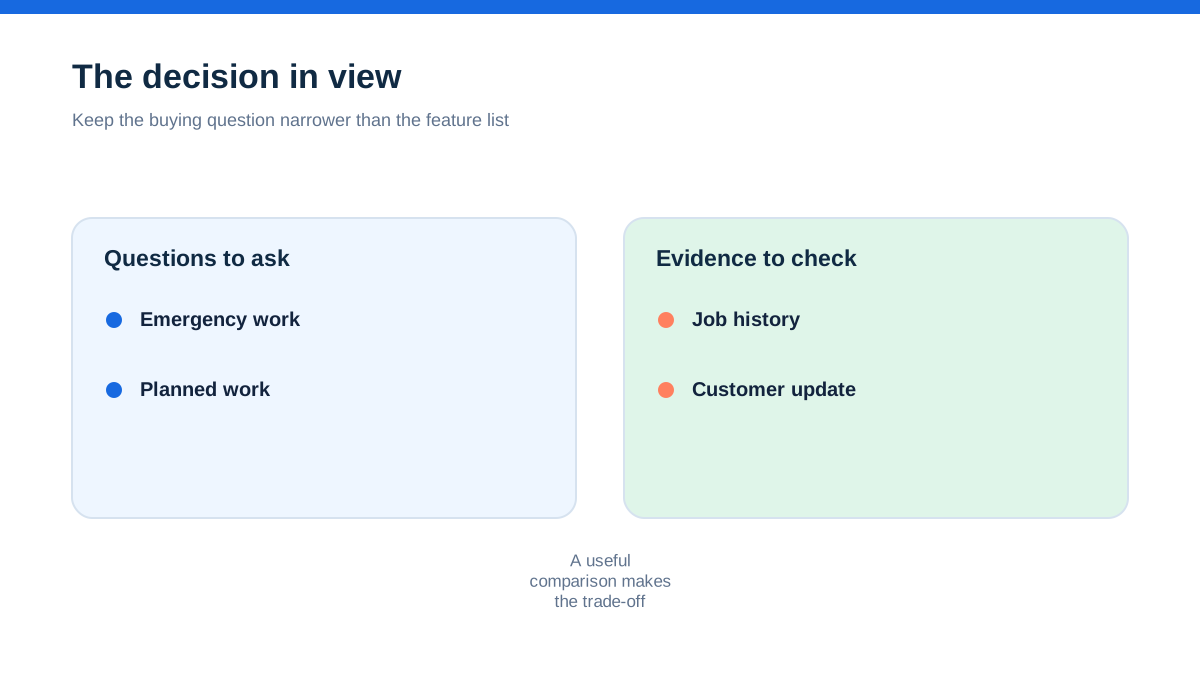
A text message contains the address. A photograph sits in the phone gallery. A paper note records the part used. The customer accepts extra work verbally. The invoice is typed later from memory. By Friday, the business has completed the jobs but cannot quickly answer three questions: what was fitted, who approved the variation, and whether the price still protects the margin.
Job management software is useful when it joins those moments together. ServiceM8 describes a plumbing job moving from client call to job record, scheduling, completion, invoice, payment and accounting reconciliation. Its plumbing page also lists job notes, photos, videos, checklists, PDF plumbing and gas certificates, client sign-off, online payment and job profitability tools.[1] Those are not separate conveniences. Together they form a record that can be understood by someone who was not standing under the sink.
The aha is this: a plumbing app is not mainly a digital diary. It is a chain of evidence from enquiry to payment. If one link is missing, the business is still relying on memory.
What the best software must carry between a call and a repair
Start with the hand-off, not the dashboard. A plumber needs the customer name, access details, address, fault description, photographs, previous work, quoted scope and any warning about parking, pets, isolation points or vulnerable occupants. The office needs to know whether the engineer is travelling, on site, waiting for approval, waiting for a part or ready to invoice.
A useful system should make the job record the shared place for those details. It should also let the field worker add information without returning to a desk. ServiceM8 says its field staff can access job details, record notes, photos and videos, complete checklists, produce PDF forms and reports, add labour and items, collect sign-off and take payment through the workflow.[1][2]
Tradify presents a similar enquiry-to-quote-to-job-to-invoice flow. Its UK plumbing page says users can attach quotes, jobs, invoices and appointments to customer profiles, use quote templates, import supplier price lists, send appointment details and create digital plumbing and gas certificates.[4] That can suit a plumber who wants a recognisable office workflow without building a complicated project system.
When you compare products, ask to see one real job record rather than a general product tour. Use a blocked drain, a boiler repair, an annual landlord inspection and a bathroom installation as test cases. If the demonstration skips from a polished quote to a polished invoice, ask where the photos, approval, parts and return visit live in between.
The emergency callout test separates useful schedulers from pretty calendars
An emergency callout is a better scheduling test than a quiet Tuesday. The business needs to find someone available, consider location and skills, send the job details, update the customer, and preserve the original appointment if another job is moved.
ServiceM8 describes drag-and-drop scheduling, staff notifications, real-time staff locations and a way to dispatch an urgent job to an available plumber. It also describes arrival notifications and a live map view for the client.[1] Fergus describes a visual calendar, drag-and-drop assignment, staff availability, travel time, recurring jobs and mobile access through Fergus Go.[12] These claims are provider descriptions, so test the exact behaviour on the plan you would buy.
Tradify says its scheduler gives a live view of active jobs and staff locations, can sync with Google Calendar, and supports recurring appointments for preventative maintenance or annual inspections.[4][5] The practical distinction is not which page uses the word real-time. It is whether the scheduler lets you change a job without losing the notes and whether the engineer sees the change promptly.
For a hands-on trial, create three jobs in different postcodes. Assign one to a plumber, move the middle appointment, add an urgent callout, and send a customer update. Then ask the field user to find the new job from a phone. Record how many taps, calls or duplicate entries were needed. That is more revealing than a feature tick-box.
A quote is only useful if it remembers the parts
Plumbing margins can disappear in small omissions: a second visit, a fitting bought at a higher price, disposal, parking, additional labour or a customer-requested change. Software should make the cost visible before the quote becomes a promise.
Fergus says its plumbing estimating workflow can use supplier material costs, add labour and margin, track quote approvals, and convert an accepted quote into a job.[8] Its job tracking material also describes linking variations to the parent job so additions can be invoiced when the work is complete.[11] That is potentially valuable for installation work and larger repairs where the original scope changes.
Simpro describes detailed quotes that can include labour, materials, travel and overheads, supplier catalogues, prebuilds, quote approval and online signatures. Its field service page also describes inventory allocation and purchase orders linked to jobs.[16][18] This points to a more structured environment for plumbing companies with projects, stock and several people handling the same work.
Tradify describes imported supplier price lists, reusable quote templates, custom pricing and progress invoicing.[4][7] ServiceM8 describes estimating job profitability while quoting and reviewing the result after completion.[1] Neither feature removes the need to maintain sensible labour rates or check supplier data. The benefit is that the business can compare the original assumption with what actually happened.
Do not let a provider demonstrate a quote using a generic service item. Bring your ten most common plumbing items, one labour rate, a callout fee and a sample variation. Ask whether you can see estimated cost, approved scope, actual material use and the final margin without retyping the job.
The part that stops the invoice becoming a late-night memory exercise
The most valuable mobile feature may be the one a busy plumber is willing to use at the end of a job. A perfect system that requires a long form in a wet plant room is not a practical system.
ServiceM8 says a plumber can add labour and items, track time, create a branded invoice, collect client sign-off, take card payment or send an online payment option, then sync invoices and payments to an accounting package.[1][2] Tradify describes professional invoices, automated overdue reminders, online payments, invoice-view tracking and accounting connections including Xero, Sage and QuickBooks.[4][7]
Fergus describes invoices populated from job cards with materials and labour, automatic payment reminders, supplier integrations and accounting connections. Its UK plumbing page names Xero, MYOB and QuickBooks, but availability and the exact sync direction should be confirmed for the plan and region.[8] Simpro describes invoices from the office or mobile app, payments in the field, progress invoices and accounting exports.[18][20]
The sensible comparison is not who promises faster payment. It is how little double entry remains after a job. Send the same completed repair through every trial account. Add a part, record time, attach a photo, capture approval and issue an invoice. Then look in the accounting package or export area. Can you explain each line without opening three unrelated apps?
Certificates and photos need a home that survives the next query
Plumbing work often needs more than an invoice. Customers, landlords, facilities managers and future engineers may need a clear record of what was checked, found, repaired or recommended. The exact legal or certification requirement depends on the work and the people involved, so software should not be treated as proof that a document is legally sufficient.
ServiceM8 specifically describes electronic plumbing and gas certificates, PDF forms, checklists, job history, photos, videos and client signatures.[1][2] Tradify lists digital versions of several plumbing and gas records and says its certificates can be created, signed and sent to customers.[4] Simpro describes digital forms, safety and compliance audits, service reports, photos, signatures and asset testing in its mobile app.[16][20]
Commusoft positions its plumbing product around scheduling, inventory, estimates and payment, and its job-management pages describe attaching photos and videos, mobile workforce tools, communications and reporting.[13][15] That may be relevant where the business is moving from simple callouts into a larger service operation. Ask whether the exact form you need is included, configurable, an add-on or something you must create yourself.
Use a simple document test. Search for a customer by name. Find the last visit, the engineer note, the before-and-after photographs, the certificate and the invoice. If the search depends on remembering the job number or browsing a calendar, the record may not be as durable as the sales page suggests.
Recurring work is where software can earn its keep
A one-off callout is visible because it is urgent. A recurring maintenance visit is easy to miss because it is months away. Landlord inspections, annual servicing and planned property maintenance create value only when the business can schedule them, remember the site history and invoice consistently.
ServiceM8 describes recurring jobs and maintenance scheduling, asset management and automated communication.[1][3] Tradify describes recurring appointments and appointment reminders for preventative maintenance and annual inspections.[4][5] Fergus describes recurring maintenance contracts, job scheduling and updates from the field.[8][12] Simpro describes recurring jobs, maintenance contracts, asset histories, reminders and recurring invoices.[18][19]
For a small plumbing business, recurring-job support is not automatically a reason to buy the most elaborate product. Count the contracts you actually expect to manage. If you have twenty annual inspections, a simple recurring schedule and reliable reminders may be enough. If you service many sites with pumps, plant or compliance records, asset history, stock and contract reporting may justify a deeper system.
Ask one uncomfortable question during the demo: what happens when a recurring visit is postponed, partially completed or fails because a part is unavailable? A useful answer includes the exception, not just the automatic booking.
Which providers fit which plumbing operation
ServiceM8 looks strongest on the official material for mobile, customer communication, forms, job history, on-site invoicing and a straightforward service-job lifecycle.[1][2][3] It deserves a close look for a sole trader or small field team that wants the whole job record to travel with the engineer. Confirm device requirements, plan limits, form availability and the accounting workflow before purchase.
Tradify presents a clear trade-business flow from enquiry through quote, schedule, job tracking, invoice and payment. Its plumbing material highlights certificates, supplier price lists, templates, progress invoicing, appointment reminders and accounting integrations.[4][7] It may suit a plumber who wants accessible quoting and invoicing with enough team scheduling for a growing operation.
Fergus is a strong candidate when supplier invoices, job costing, variations, recurring maintenance and trade-specific workflows are central. Its UK plumbing page describes material costs, labour, margin, job profitability, payment collection and integrations.[8][11][12] Test whether the level of detail is helpful or burdensome for your team.
Commusoft is worth considering if the plumbing operation needs a broader field-service environment with scheduling, communications, inventory, estimates, reporting and a mobile workforce. Its official pages position the product for plumbing and more complex service workflows.[13][15] Ask for a demonstration of the exact small-business setup, including implementation time and the features included at the quoted price.
Simpro appears geared towards businesses that need structured service, maintenance and project workflows, inventory, supplier catalogues, mobile field updates, progress billing and reporting.[16][18][19][20] It may be more system than a single plumber needs, but it could become relevant as teams, assets, subcontractors and projects multiply. Confirm the base product, add-ons, training and total cost.
Jobber is another provider to place on a longlist for a residential home-service operation. Its official features page describes professional quotes, invoicing, online booking, scheduling, job forms and customer communication.[21] Treat its fit for a UK plumbing workflow as something to validate directly, especially around UK tax, certificates, accounting and the field detail you need.
A hands-on trial that takes one real plumbing week
Do not import every historical customer on day one. Choose five real but representative jobs, or anonymised copies if you prefer: an emergency repair, a quoted installation, a recurring inspection, a return visit and a job with a variation.
Create each enquiry with the information you usually receive. Quote one, schedule all five, move one appointment, attach a photograph, add a material, record time, create a customer-facing note, capture approval, produce the required document and issue an invoice. Then try to answer these questions from the system alone:
- What is happening next and who owns it?
- What did the customer approve?
- Which materials and hours were charged?
- What remains to be invoiced or collected?
- Can a different team member understand the job without calling the plumber?
- Can you find the record three months later?
Give each product a simple score out of five for field usability, scheduling clarity, quote control, evidence capture, invoicing, customer communication, accounting hand-off and support. Weight the categories that match your business. For an emergency-led sole trader, field usability and invoicing may matter most. For a maintenance team, recurring work and asset history may matter more. For a commercial contractor, job costing, approvals and project visibility may dominate.
Run the trial on a normal working week, not a quiet afternoon. Ask the person who will actually use the mobile app to complete the field part. If the system only works when the owner is present to explain it, that is a cost even if the subscription looks affordable.
UK records and tax links need a deliberate check
Job management software can support better records, but it does not decide whether your business meets HMRC obligations. HMRC says Making Tax Digital for Income Tax requires in-scope sole traders and landlords to use compatible software to create, store and correct digital records, send quarterly updates and submit the tax return.[22] The current GOV.UK guidance says the first mandatory phase applies from 6 April 2026 to individuals with qualifying income over £50,000, subject to the stated conditions and exemptions.[22]
VAT-registered businesses have additional record-keeping responsibilities. GOV.UK says VAT records include purchases and sales, invoices issued and received, credit and debit notes and other business records, with certain records kept digitally under Making Tax Digital for VAT rules.[23] If your job platform and accounting package are separate, confirm how records are linked and what remains in the accounting system. A button labelled “sync” is not a substitute for understanding the record trail.
Before buying, ask your accountant which product and connection they are comfortable supporting. Confirm how credit notes, deposits, refunds, supplier bills, mixed-rate VAT, private use and retained evidence are handled. Keep original supporting documents where HMRC guidance says you should. Treat the app as part of your record system, not the whole of your tax advice.
The right choice is the one your plumbers will finish using
For most small plumbing firms, the best first purchase is not the platform with the most modules. It is the one that makes the next job unambiguous, captures the evidence of work, turns approved scope into a fair invoice and leaves a record that someone else can understand.
Shortlist two or three products. Use the same five-job trial. Include an emergency callout, a recurring visit, a certificate, a variation and a payment. Read the provider's current UK pricing and terms immediately before signing up. Check integrations with your accountant, test mobile use at a real property, and ask what happens when the signal is poor or the job changes.
If the trial removes repeated copying between diary, messages, invoice and spreadsheet, you have found a useful candidate. If it adds another place to update, the cheapest subscription is still expensive.

- [1] (11 October 2026)
- [2] (11 October 2026)
- [3] (11 October 2026)
- [4] (11 October 2026)
- [5] (11 October 2026)
- [7] (11 October 2026)
- [8] (11 October 2026)
- [11] (11 October 2026)
- [12] (11 October 2026)
- [13] (11 October 2026)
- [15] (11 October 2026)
- [16] (11 October 2026)
- [18] (11 October 2026)
- [19] (11 October 2026)
- [20] (11 October 2026)
- [21] (11 October 2026)
- [22] (11 October 2026)
- [23] (11 October 2026)
Affiliate status: no affiliate links are used on this page. Provider links are direct sources only, pending programme approval.