Drafted for review. Last source review: 11 October 2026. No affiliate links are used in this article.
A reminder is easy to mistake for a message. In a trade business, it is better understood as a handover between two people who are both busy, often in different places, and rarely looking at the same calendar. The customer needs to know what is happening next. The person running the job needs the customer to do one small thing at the right time. Software can connect those moments, but only if the workflow is designed before the automation is switched on.
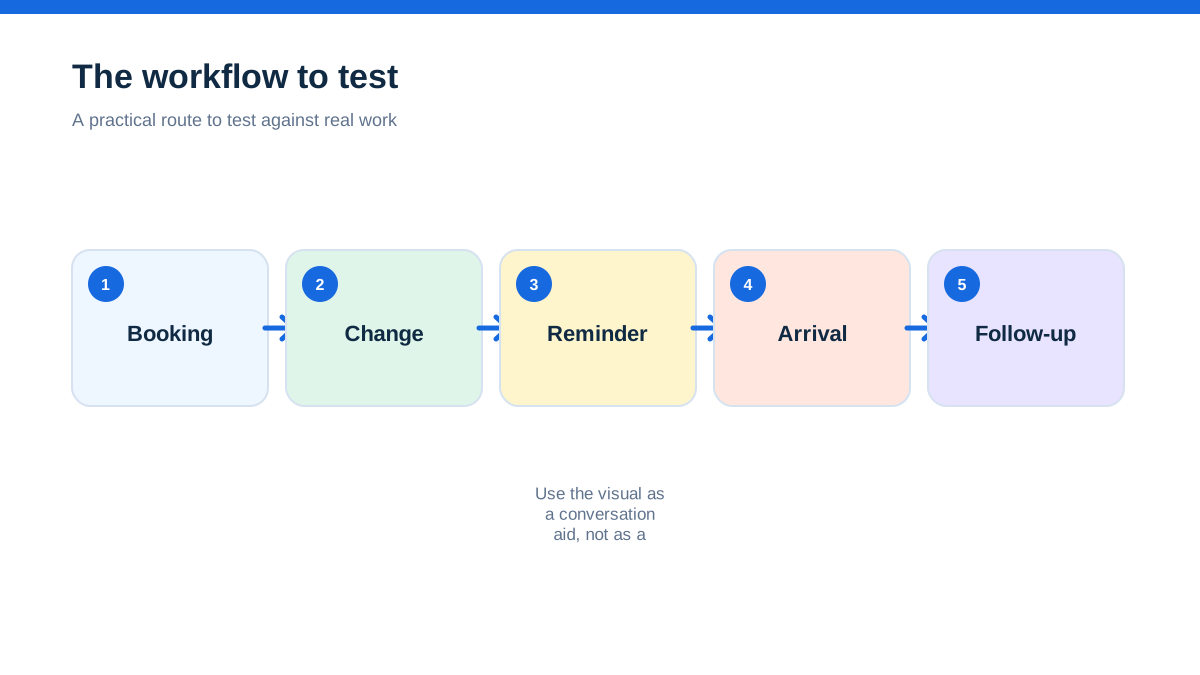
The useful question is not, “Can this system send a reminder?” Most job-management platforms can advertise some form of email, text, alert or template. The useful question is, “What uncertainty will this reminder remove, and what will happen if the customer replies?” That question turns a feature into a working part of the job.
This guide is for UK tradespeople choosing or configuring software for appointment reminders, arrival messages, access requests, quote follow-ups and payment-related contact. It focuses on operational reminders, not promotional campaigns. If a message advertises services or an offer, different marketing rules may apply. The Information Commissioner’s Office says electronic mail marketing includes texts and similar stored messages, and that messages to individuals generally need specific consent or a limited existing-customer exception.[1]
The aha: The best reminder is not the one that sends most often. It is the one that arrives just before a customer could reasonably make the wrong assumption.
The missed appointment that began with a harmless gap
Imagine a heating engineer with a full diary. A customer has accepted a quote, but the job is waiting for a part. No one has done anything obviously wrong. The customer thinks the engineer is coming on Thursday because that was mentioned on the phone. The engineer thinks the customer knows the date is provisional. On Wednesday evening, the customer calls in a panic. The engineer loses time looking through messages, then has to explain the situation again.
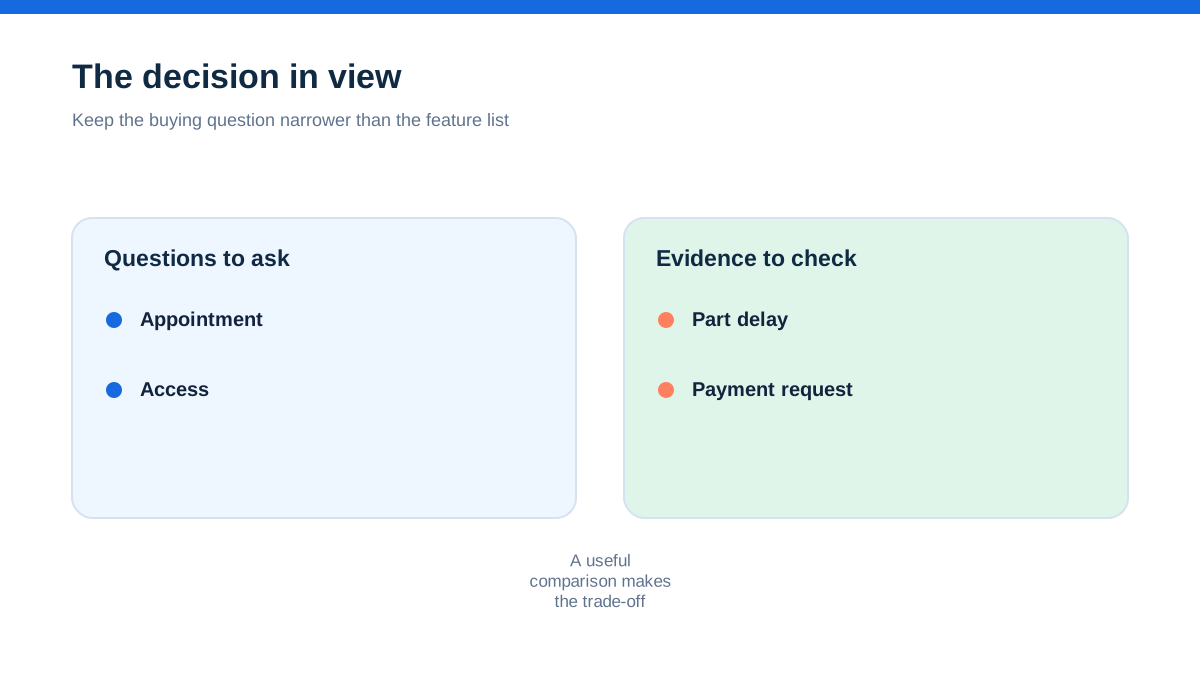
A reminder would not have solved a missing part. It could have exposed the uncertainty earlier. A short message such as, “Your installation is awaiting the part ordered on Tuesday. We will confirm the appointment when it arrives. Please reply if access details have changed,” gives the customer a current position and gives the business a route for correction.
That distinction matters when you compare software. You are not buying a stream of notifications. You are choosing where the job record stores the promise, the exception and the reply. A system that sends an attractive appointment email but does not make exceptions visible may create more confidence than the office team can support.
Start by listing the situations that generate avoidable calls. They may include uncertain arrival windows, missing parking instructions, jobs that require an adult at home, quotes waiting for a decision, invoices sent without bank details, certificates awaiting a final check or planned maintenance that is due again. Do not begin with the reminder menu in the software. Begin with the gaps in the customer’s mental picture.
The promise on the quote was not the promise in the diary
A quote, a booking and an appointment are different events. They often get treated as though they were one because the same customer and address appear in each record. That is how reminders can be sent at the wrong time.
A quote acknowledgement can confirm receipt. A quote follow-up can ask whether the customer has decided. An appointment reminder can confirm a date or arrival window. An arrival message can say that the operative is on the way, if the business genuinely supports that practice. A completion message can explain what has been left behind, such as an invoice, certificate or care note. Each message answers a different customer question.
Put these questions beside the event that creates them:
- What have I agreed to?
- When will someone attend?
- What do I need to make ready?
- Has the timing changed?
- What evidence or paperwork will I receive?
- What action is still waiting for me?
This simple map is a useful test of job-management software. If a platform calls all of these “automations” but cannot show which job event caused a message, treat that as a warning. A reminder that cannot be traced back to a clear event is difficult to audit when a customer says they were told something different.
The map also shows where a manual check belongs. A booking may be suitable for an automatic confirmation, while a delayed job may need a person to review the wording before it goes out. Automation should remove repetition, not remove judgement from an uncertain promise.
The calendar entry knew the date, but not the reason for the visit
A bare calendar event might contain a name, an address and a time. The customer may also need to know whether to clear a cupboard, leave a gate unlocked, keep a pet away from the work area, provide parking information or have a previous certificate available. The operative may need the same information, with more detail about the scope of work.
When reviewing software, create a sample job that has an access note, a customer preference and a change to the appointment. Then ask what appears in the outgoing message and what remains internal. Some systems use one note for everything. Others separate customer-facing instructions from private job notes. Neither pattern is automatically right, but a business should know which one it is adopting.
Use data minimisation as a design guardrail. The ICO’s guidance says data protection by default means limiting personal information to what is necessary for each specific purpose, including the amount collected, its accessibility and how long it is kept.[3] In practice, a reminder does not need every internal note. It needs the information the recipient must act on.
That is also a safety issue. A message to a customer should not accidentally include an operative’s private comment, a gate code copied into the wrong field or a note about another household member. During a demo, ask the supplier to show the exact preview a customer would receive, not only the template editor.
The right moment is usually before the customer starts guessing
There is no universal reminder timetable for every trade. A domestic boiler service, an emergency call-out and a multi-day refurbishment create different expectations. The correct timing depends on what the customer needs to prepare and how costly a failed visit would be.
For each reminder type, write three lines:
- The customer may currently believe...
- We need the customer to know or do...
- If nothing changes, the next internal action is...
For an appointment, the customer may believe the date is fixed but may not know the access requirement. The message can confirm the appointment and ask for the missing detail. If there is no reply, the office can decide whether to call, reschedule or proceed. For a quote, the customer may have forgotten the document. The message can provide the quote reference and a clear reply route. If there is no response, the quote remains open rather than silently disappearing.
This is more reliable than copying a calendar reminder from one job type to another. It also makes it easier to explain the workflow to a new administrator. They can see why a message exists, what event releases it and what happens when the customer does not respond.
Do not confuse frequency with service. Several messages that repeat the same information may make the business feel automated while making the customer feel chased. One well-timed message with a useful action can be more valuable than a sequence designed only to keep the business visible.
The three-line message that earns a reply
A practical reminder usually has three jobs: identify the job, tell the customer what is happening and make the next action obvious. Put the reply route in the message itself.
A useful pattern is:
Context: “This is a reminder about your bathroom repair at [address or job reference].”
Current position: “We are booked to attend on [date] during [window].”
Action: “Please reply to this message if access, parking or the contact number has changed.”
The wording should match what the system actually knows. If the software cannot guarantee an arrival time, do not imply that it can. If an operative may be delayed, explain where an update will come from. If the message is sent by email, make the sender recognisable. If the customer replies to a no-reply address, say where replies should go instead.
Avoid vague calls to action such as “Please contact us if needed.” A customer may not know what counts as needed. Name the detail that matters. “Reply with the best parking instruction” is easier to act on than “Let us know if you have any questions.”
Templates should contain a review date or an owner in the business record. Wording that was right for a one-person plumbing business may be wrong after the firm adds office staff, multiple vans or subcontractors. A template is part of the workflow, not permanent copy that no one owns.
The text message that looked like marketing
A reminder about a booking is not automatically a marketing message, but the line can blur. “Your annual service is booked” is operational. “Your annual service is booked, and why not ask us about a new heat pump?” adds promotion. The second sentence may change the compliance analysis.
The ICO says individual recipients generally need specific consent for electronic marketing, with a limited exception for existing customers where the conditions are met. It also says the same rule applies to texts, emails, social-media direct messages and similar electronic messages.[1] GOV.UK says customers must be able to stop direct marketing and that marketing messages should identify who is sending them and provide an unsubscribe route.[2]
The practical software rule is to separate operational contact from marketing preferences. Do not make one “customer communications” switch control appointment reminders, service updates and promotions unless you have checked what that setting actually does. Keep a record of the channel a customer has agreed to use, the purpose of the contact and any opt-out. Sole traders and some partnerships can be treated as individuals for these rules, so a trade customer is not automatically a corporate subscriber.[1]
This is not a substitute for legal advice. It is a reason to ask precise questions when assessing a platform: Can operational and marketing messages be separated? Can a customer opt out of promotions without missing a booking update? Is the opt-out recorded against the contact? Can staff see the preference before sending manually? If the answer is unclear, treat the communication workflow as unfinished.
The automation that sent two messages for one visit
Duplicate reminders often begin with two legitimate triggers. A scheduler sends an appointment confirmation. A job-status change sends another confirmation. An administrator also presses a manual send button because the customer called. The customer sees three versions of the same promise, perhaps with different arrival wording.
Before enabling automation, draw one event line for a typical booking:
Enquiry received -> quote accepted -> appointment agreed -> reminder due -> visit completed -> invoice issued.
For every message, write its trigger above the line and its owner below the line. If two messages share a trigger, decide whether both are necessary. If a manual message can be sent without showing that an automatic one has already gone, add a visible activity log or a rule that requires a reason.
Ask the supplier to show the activity history in a demo. You want to see the message, the channel, the sending time, the triggering event and any reply. A delivery indicator is not the same as proof that the customer read or understood the message. Keep that difference clear in your internal process.
Also decide what happens when the appointment moves. Does the original reminder cancel? Does the new appointment create a replacement? Does the old message remain visible to the team? A system that cannot explain its behaviour when dates change should not be allowed to send unsupervised reminders for changeable work.
The office needed an exception lane, not another inbox
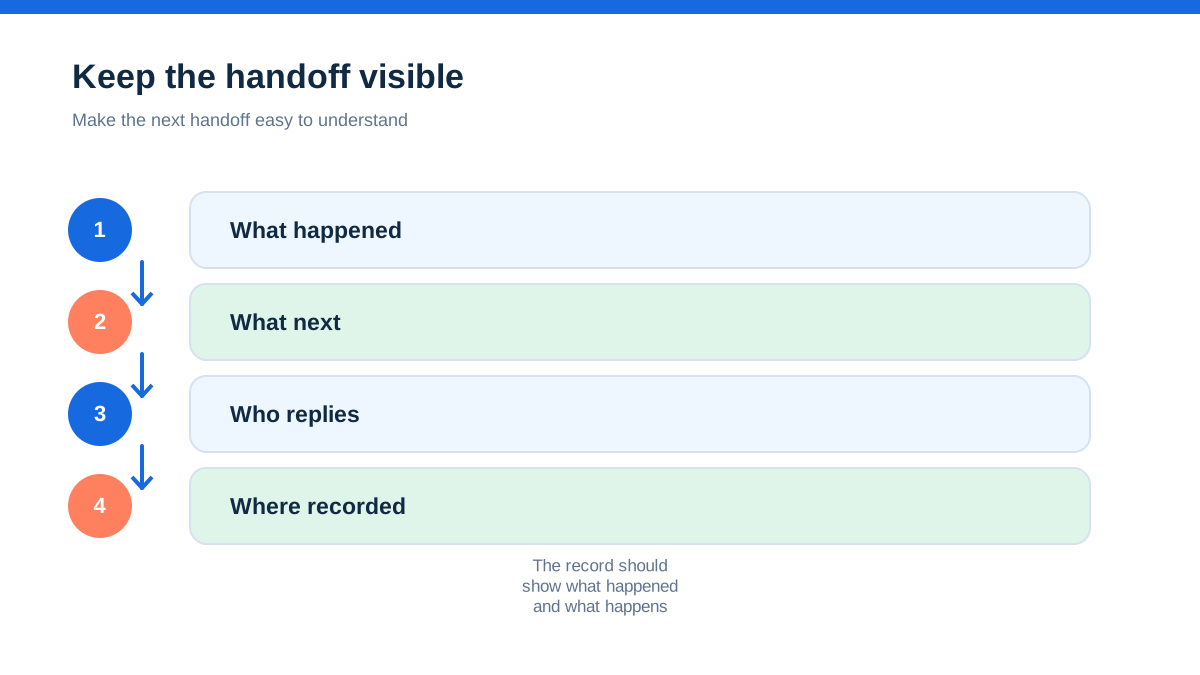
A reminder workflow fails when every reply arrives in a place no one owns. The customer says, “The gate is locked,” and the message sits in an app notification. The office assumes the operative saw it. The operative assumes the office updated the job. The reminder succeeded as a transmission and failed as a handover.
Give each automated message a response owner. The owner may be the office, the assigned operative or a duty person. The software should make the reply visible with the job, not only in a general inbox. If that is not possible, define a routine for checking the message channel and copying the essential outcome into the job record.
Use categories for replies that change the work: access issue, date request, scope change, cancellation, vulnerable customer need, parking problem and no action. Do not create so many categories that staff stop using them. The purpose is to make exceptions easy to spot before the van leaves.
A good reminder workflow is therefore partly a communication design and partly an exception-management design. Ask what happens when the normal case is no longer normal. The answer may be more important than the template itself.
A hands-on rehearsal with one quiet job
You can test a reminder workflow without importing the whole customer list. Create a test contact using a safe internal address or a clearly marked dummy record. Build one sample job that includes an appointment, a change to the appointment, an access note and a customer reply. Then run this rehearsal:
- Create the job from the same starting point the office normally uses.
- Confirm which customer data is copied into the message.
- Preview the message before sending it.
- Change the appointment and check whether the earlier message is cancelled, retained or duplicated.
- Reply as the customer with a practical problem.
- Confirm who sees the reply and where the decision is recorded.
- Mark the visit complete and inspect what follow-up message is offered.
- Remove the test record or label it so it cannot enter a live campaign.
Record the result in a small table with four columns: event, message, owner and failure response. Do not score the software on how polished the message looks. Score whether a busy person can tell what happened, what is outstanding and who must act.
Run the same rehearsal on a phone if the system will be used in the field. Check the message as a customer would see it, not just inside an administrator preview. Look for broken personalisation, unclear sender names, links that require a login and instructions that are impossible to follow while someone is standing at the property.
The useful signal was not an open rate
For operational reminders, a marketing-style open rate can distract from the outcome. The questions that matter are more practical: Did the customer confirm access? Was the appointment changed before travel? Did the operative see the change? Did the office avoid a duplicate call? Did the customer know where to find the invoice or certificate?
Choose a small set of measures linked to the uncertainty you wanted to remove. A cancellation caught before departure is a different signal from a message marked delivered. A reply with a gate code may be useful, while a message that was opened but misunderstood is not. Treat system indicators as clues, not as proof of customer understanding.
Review a sample of completed jobs with the team. Look for messages that went out after a job changed, replies that were not attached to the record and templates that contain internal language. The review can be brief, but it should happen regularly when the workflow is new or when the software changes.
Do not use customer contact data to create a performance league table unless there is a clear, fair purpose. Data protection by design includes limiting accessibility and using personal information only for the purpose it is needed for.[3] A reminder system should improve service, not create a new source of unnecessary surveillance.
When the best reminder is a human phone call
Automation is not always the right response. A customer may have a complex access need, an urgent safety concern, a dispute about the scope of work or a job that has moved several times. A templated message can sound careless when the customer needs a conversation.
Create a manual-contact rule for cases that the software cannot safely express. For example, require a call when the appointment window is uncertain, when a vulnerable customer has asked for a specific arrangement, when a job has been delayed more than once or when the customer’s reply changes the agreed scope. The rule should be visible on the job, with a place to record the outcome.
This protects the relationship and the team. The customer is not left trying to negotiate through a template, and the office does not assume that an automated “update” counts as a proper explanation. A platform that makes manual exceptions easy can be more useful than one with a longer automation list.
The reminder workflow that earns its place
Choose customer-reminder software by tracing one real job from enquiry to completion. Write down the uncertainty at each handover, the message that would remove it, the person who owns replies and the result that would show whether it worked. Then rehearse one test booking, one change and one customer exception before enabling live automation.
The winning system is not necessarily the one with the most channels. It is the one that keeps the promise accurate, the message proportionate, the reply visible and the responsibility clear. Start with one reminder that prevents a recurring problem. Review it with the person who books work, the person who attends and the person who answers customers. Expand only when the first piece is dependable.
That is how reminders become part of running jobs rather than another source of noise.
- [1] [Electronic mail marketing | ICO]( (11 October 2026)
- [2] [Direct marketing | GOV.UK]( (11 October 2026)
- [3] [Data protection by design and by default | ICO]( (11 October 2026)
Affiliate status: no affiliate links are used on this page. Provider links are direct sources only, pending programme approval.