Drafted for review. Last source review: 11 October 2026. No affiliate links are used in this article.
An electrical app can produce a polished certificate in seconds. That does not mean it has proved that the installation was designed correctly, built correctly, inspected correctly or tested correctly. It has produced a document. The compliance question remains attached to the people, work, instruments, records and legal process behind that document.
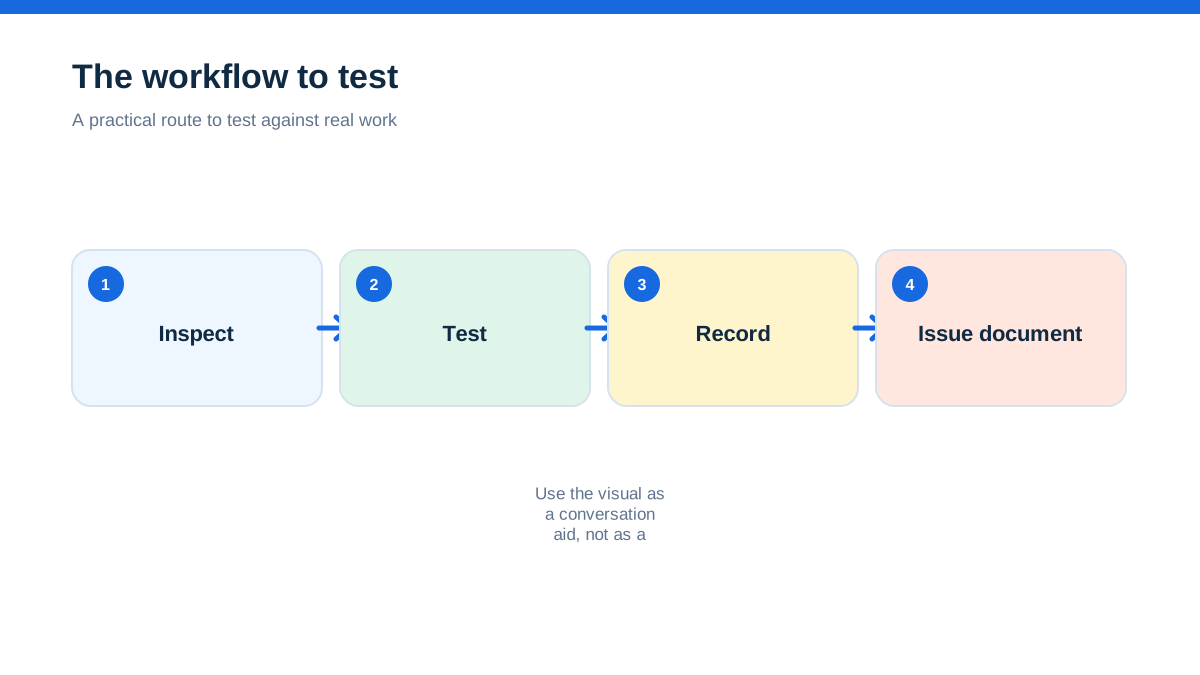
This guide focuses on domestic electrical installation records in England and Wales, with a short comparison to work at premises and to the different building-control context in Scotland and Northern Ireland. It is not a statement that one app, form or software supplier is approved for every type of electrical work. The relevant building regulations, technical standard, competent-person scheme, client brief and health and safety duties must be checked for the job.
The useful aha is a boundary test: software is good at preserving what a competent person has decided and recorded, but it is not itself the competent person. Treating the app as a digital witness, rather than a digital electrician, prevents a surprising number of compliance claims from becoming misleading.
The certificate was perfect, but the question was wrong
Picture an electrician finishing a domestic alteration. The app has a branded template, mandatory fields, a signature box and a button labelled `issue certificate`. The document looks professional and the customer is reassured. Later, somebody asks what part of the installation was inspected, which test results support the conclusion, who was responsible for design and whether the work was notified through the correct route.
The app can show answers if the business entered them. It cannot invent a reliable scope, validate a measurement that was never taken or create a competent-person registration that does not exist. A green status badge is not an inspection result.
The mistake is usually not malicious. Trade software makes administrative work easier, and its interface can make a process look complete. The danger comes when a document's appearance is mistaken for evidence of the underlying work. A genuine compliance record has to survive outside the app. It should be understandable as a document, supported by the underlying inspection and test information, and connected to the responsible people and property.
Use that standard whenever a provider says a feature is `compliant`. Ask: compliant with which rule, for which work, in which nation, and based on what evidence?
Fix the geography before discussing a feature list
Approved Document P is government statutory guidance for electrical safety in dwellings in England. The GOV.UK page says the current edition explains when notification is required and covers design, installation, inspection, testing and provision of information.[7] That is a useful starting point for domestic work in England, not a universal electrical rule for every job in the UK.
GOV.UK also publishes competent-person scheme information that applies to England and Wales, including the types of electrical installation work covered by listed schemes.[9][10] Scotland has its own building standards system. Northern Ireland has its own building regulations and guidance. A software template cannot merge those regimes into one national certificate.
Before configuring an electrical workflow, write the scope at the top of the project brief:
- nation and local building-control context;
- domestic dwelling, commercial premises or another building type;
- new installation, addition, alteration, inspection or condition report;
- work carried out by your business or work inspected after another person carried it out;
- technical standard and edition the responsible person is applying;
- notification, certification and handover route.
If the job crosses the boundary, split the records rather than hiding the difference in a note. A domestic installation in England may raise Part P notification questions. A lighting installation in a non-domestic building may sit within a different competent-person scheme category. Work at a place of work may engage the Electricity at Work Regulations and HSE guidance even though a customer-facing app uses the same form language.[21][20]
The limitation is important: this article does not determine whether work is notifiable, which certificate is legally required or which standard applies to a particular installation.
Give the app the job boundary, not just the customer name
A customer record tells you who ordered work. It does not tell you what the certificate covers. The IET model forms include fields for client, installation address, description and extent of the installation, responsibilities for design, construction and inspection and testing, supply characteristics, circuit details and test results.[11] Those categories reveal a useful design principle: the record must define its subject and its responsibility boundaries.
Configure the workflow so the certificate cannot be issued without a clear extent. Use plain language such as `new radial circuit to garage, consumer unit to final accessory`, not only a job label such as `garage electrics`. Where a continuation sheet or schedule is needed, make the relationship visible in the final export.
Capture:
- installation address and client details;
- work reference and certificate number;
- description and extent of the work;
- whether the work is new, an addition or an alteration;
- limitations on inspection or testing;
- responsible designer, constructor and inspector;
- supply and earthing information where the form requires it;
- circuit schedule and test-result schedules;
- departures, permitted exceptions and attached risk assessments where relevant;
- issue date, recipient and retained duplicate.
A field should not exist merely because a form has space for it. Each field should answer a question a competent person, scheme operator, building-control body, customer or future inspector may reasonably ask. Conversely, a tidy form with too few fields may be a sign that the app is designed for generic paperwork rather than your work type.
Keep design, construction, inspection and testing as different responsibilities
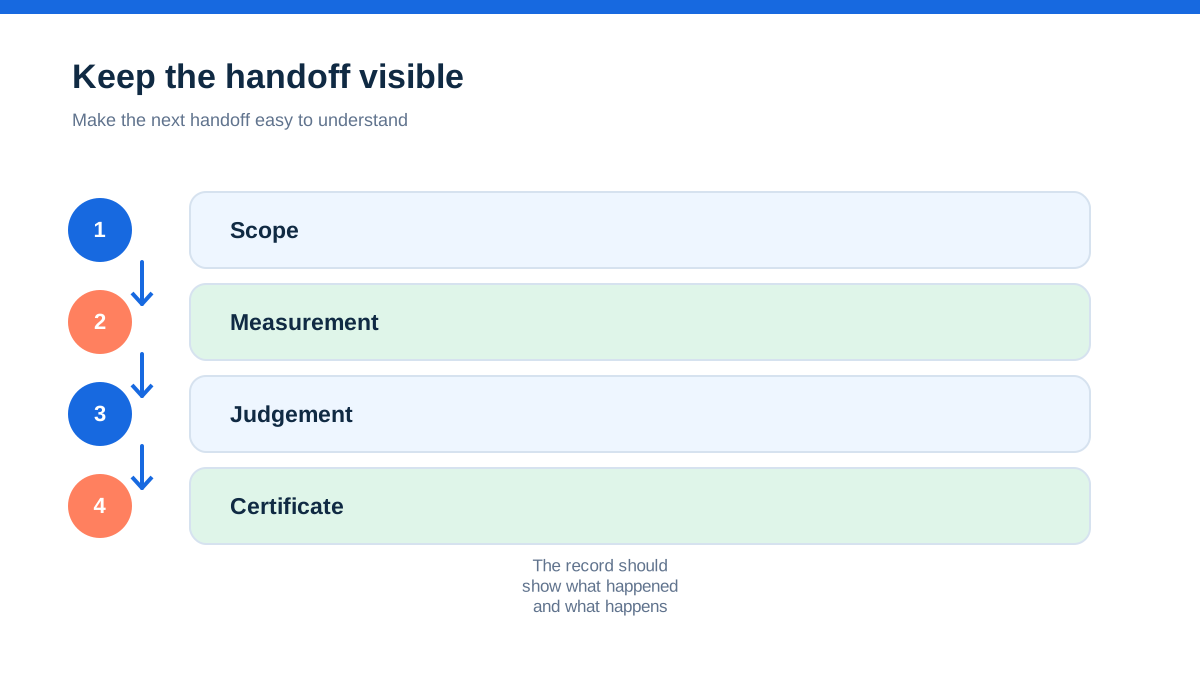
One of the most important limits is the difference between recording a declaration and proving the activity behind it. The IET's model Electrical Installation Certificate separates responsibility for design, construction and inspection and testing, and says the certificate is valid only with the relevant schedules attached.[11]
A software form can present three signature boxes. That is not the same as establishing who did what, when they did it, what evidence they reviewed and whether the person was competent for the work. Do not let a shared tablet login blur individual responsibility. Use named user accounts or a controlled sign-off record. Record when a result was entered, changed or approved, and preserve the reason for a correction.
If one person holds all responsibilities, the record should still make the roles clear. If a different person designed, installed or inspected the work, the document should not imply that one person carried out everything. A signature is evidence of a declaration, not a substitute for the underlying activity.
This is also why a certificate generator cannot turn a retrospective inspection into an installation certificate. The document type should match the work and the responsibility that was actually undertaken. If the business is asked to certify work it did not design or install, pause and identify the appropriate inspection, reporting and competence route.
Use model forms as a structure, not a government approval badge
The IET publishes model forms for certification and reporting, including Electrical Installation Certificates, Minor Electrical Installation Works Certificates, Electrical Installation Condition Reports, inspection schedules and test-result schedules.[11] The forms are valuable because they expose the information a complete report needs to carry.
They do not mean that every app using similar headings is approved by the IET. The IET document states that its permission to use or electronically manipulate the forms does not mean the forms have been checked for errors or omissions or are suitable for a particular purpose.[11] That limitation matters when a software advert suggests that a template name is equivalent to official approval.
During procurement, compare the app's exported document against the current relevant model form and the requirements of the scheme or client. Check layout, mandatory information, schedules, continuation pages, version date, correction history and the handling of limitations. Do not copy a familiar PDF into the app and assume the result remains compliant after fields are hidden, calculations are changed or attachments are omitted.
The form is a communication tool. The technical standard, competent person and actual inspection or test are the foundation.
Put competence outside the app, where it belongs
GOV.UK describes competent-person schemes as a route for eligible tradespeople to self-certify certain building work instead of applying for building-regulations approval. A registered installer may notify the local authority and provide a certificate within the stated process.[8] The current schemes page lists different electrical categories for dwellings and for some buildings other than dwellings.[9]
The scheme status belongs to the business or person, not to the software account. A subscription cannot make an unregistered business registered. A branded certificate cannot extend the categories of work that a scheme covers. If the job is outside the business's registration scope, the app's ability to print a form does not alter that fact.
Build a competence register beside the software configuration. It should identify:
- each person authorised to design, install, inspect or test;
- the work types and premises they are competent to undertake;
- relevant scheme membership and scope;
- authorisation dates and review dates;
- instruments and calibration status;
- supervision or technical review arrangements;
- training, experience and continuing development records where required.
GOV.UK's minimum competence guidance covers knowledge, practical skills and experience, and refers to test instruments and calibration, certification and reporting, records, health and safety and technical reference documents.[10] A job app may help store a calibration reminder, but it does not assess whether an instrument was suitable, whether a test was performed correctly or whether the person had the necessary competence.
Notification is a separate route from document delivery
A customer may use the words `certificate` and `notification` as if they mean the same thing. They do not. An electrical document describes work or an inspection. Notification is a building-control or competent-person process with its own scope and recipient.
For England, Approved Document P addresses when notification of domestic electrical work is required.[7] GOV.UK's competent-person guidance says a registered installer can self-certify certain work and, if needed, tell the local authority on the customer's behalf.[8] The software must not imply that emailing a PDF to a customer has notified a local authority or scheme operator.
Add separate fields for:
- customer document issued;
- building-control application or notification route;
- scheme notification reference;
- date submitted and submission evidence;
- outstanding response or certificate;
- local authority or scheme contact;
- person responsible for closing the notification.
If the app integrates with a notification service, test the integration and retain the confirmation outside a transient screen. If there is no integration, label the customer PDF accurately. `Certificate issued to client` is not the same as `building-control notification completed`.
This is a common point at which software overclaims. A workflow can reduce forgotten administration. It cannot decide the legal route from a generic job title unless a competent person has configured and reviewed the decision.
Treat work-at-premises safety as a wider control system
Domestic certification is not the whole of electrical safety. HSE's electrical safety material covers hazards, controls and legal responsibilities, while its guidance for work on or near electrical equipment is aimed at dutyholders, managers, supervisors and people involved in design, installation, commissioning, maintenance or operation.[21][20]
For commercial or industrial work, the software record may need to connect with risk assessments, method statements, isolation arrangements, permits, competence evidence, equipment checks, commissioning records and maintenance planning. A customer-facing certificate template may support one part of that record but cannot replace the wider safe system of work.
Avoid turning a generic checklist into a claim that a risk assessment has been completed. Record the actual control decisions, the people who approved them, the equipment involved and any limitations. If a risk control is held in another system, link to the controlled record and test that the link remains available in the exported project file.
The limitation also runs the other way. A detailed health and safety app cannot by itself prove that a domestic electrical certificate is the correct document. Use the right record for the right duty.
Run the boundary test before you believe the marketing
Use this hands-on method during a trial or before changing systems. Call it the boundary test. It does not require specialist coding and it produces evidence you can show to a manager, scheme assessor or adviser.
Create five fictional but realistic records using the same field configuration:
- a minor alteration in an English dwelling;
- a new circuit in an English dwelling;
- an inspection and condition report with an explicit limitation;
- electrical work in a commercial building in Wales;
- work at a premises in Scotland or Northern Ireland that you do not intend to treat as an English Part P job.
Use sample names and addresses, not real customer data. For each record, attempt to answer these questions:
- Does the system force the installation extent to be described?
- Can the responsible design, construction and inspection roles be distinguished?
- Can the required schedules, photos and supporting files be attached?
- Can a limitation be recorded without turning it into an automatic pass?
- Can a correction preserve the original value and the person who changed it?
- Can the export be opened without the app and still show the evidence chain?
- Can notification status be recorded separately from customer delivery?
- Can the record identify the nation, premises type and relevant standard?
Mark each answer `present`, `workaround` or `not available`. A workaround is not automatically a failure, but document who performs it and how it is checked. `Not available` is a procurement risk if the field is load-bearing for your work.
The aha appears when a system handles a happy-path certificate beautifully but cannot represent a limited inspection, a split responsibility or an out-of-scope job. Those are exactly the records that expose whether the workflow preserves professional judgement or merely generates a template.
Test offline capture, identity and later retrieval
Electrical work often happens where signal is weak, hands are occupied and a record is completed in stages. Test the whole journey offline if the app offers offline use. Create a draft, add a measurement, attach a photograph, save it, make a correction, reconnect, sync and export. Check which timestamp is shown and whether a failed sync creates a visible exception.
Test user identity as well. A shared account can make a document look signed while concealing who entered the result. A typed name may be useful, but understand whether it is a declaration, an approval, a drawn signature or simply a label. Ask the provider how access is revoked when a worker leaves and how an audit log can be exported.
Test retrieval six months later in the way a real customer or scheme assessor would. Search by address, certificate number and installer. Download the complete file, not only the first page. Confirm that schedules, photographs, attachments, correction notes and recipient records remain connected.
A backup is not proven because a provider displays a backup icon. Ask how to export data in a usable format, what happens after cancellation, how long the provider retains records and whether an administrator can recover a deleted document. The business remains responsible for being able to produce the records it relies on.
Separate supplier claims from your compliance decision
Provider language can be useful evidence of available features, but it is not a regulator's decision. A supplier may say that its app creates certificates, supports forms, stores photographs or works offline. Those are product statements. They do not establish that your chosen certificate is correct for the job, that your staff are competent, that a test was performed or that a notification was completed.
Ask for written answers to concrete questions:
- Which document types are supported, and which are custom forms?
- What version of the form or standard is the template based on?
- Can the business control changes to calculations and mandatory fields?
- How are correction history, user identity and attachments preserved?
- What export is available if the subscription ends?
- What does the provider mean by `compliant`?
- Which parts are the customer's responsibility?
Do not accept a sales demonstration as a test. Use the boundary test with representative data, then retain the exported examples and the provider's answers in the procurement record. Direct provider pages can explain features, but the authoritative limits of domestic building regulation, competent-person schemes and safety law remain with the relevant government and regulator material.[7][9][21]
The safe conclusion is narrower than the sales headline
Electrical software is valuable when it makes the correct process easier to follow, preserves evidence and reduces avoidable omissions. Its compliance limit is equally valuable to understand. It cannot supply competence, perform an inspection, validate a measurement, choose the legal route, extend scheme scope, replace the technical standard or notify a building-control body merely because a PDF was generated.
For domestic work in England and Wales, start with the applicable building-regulations and competent-person context. For Scotland and Northern Ireland, confirm the separate local requirements before reusing a workflow. For work at premises, include the wider HSE safety-control system. Then configure the app around the work boundary, responsibilities, schedules, test evidence, corrections, notification and export.
Use the boundary test on every serious candidate. If the app passes only the simple certificate scenario, it has not yet passed a compliance review. If it clearly shows what it can record and what the business must decide, it may be a useful administrative tool without pretending to be an approval authority.
Affiliate status: no affiliate links are used on this page. Provider links are direct sources only, pending programme approval.