Drafted for review. Last source review: 11 October 2026. No affiliate links are used in this article.
*Editorial comparison for UK tradespeople and small field-service teams. Checked 11 October 2026. No hands-on product testing is claimed, and the links in this article are direct official sources only.*
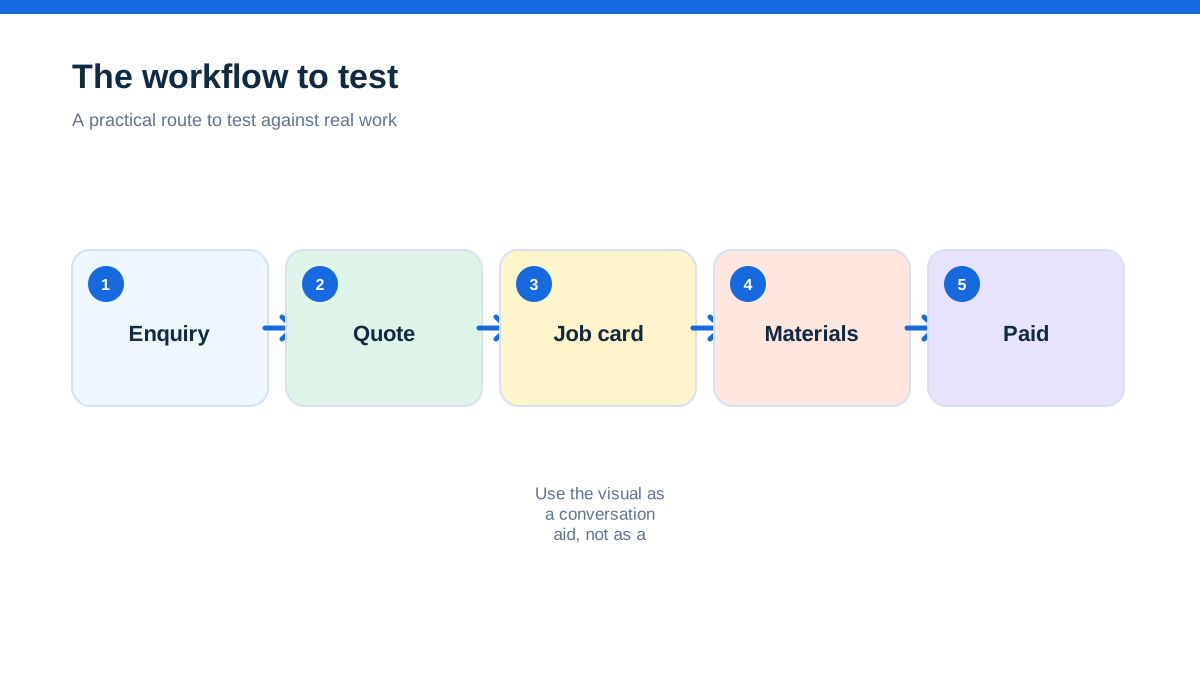
The useful question in a Fergus versus Tradify comparison is not which product has the longer feature list. Both providers describe a connected route from enquiry or quote through scheduling, job delivery, invoicing and payment. The better choice is the system that matches the awkward middle of your working day: changing appointments, supplier costs, photos from site, subcontractors, customer chasing and the final invoice.
The official pages also create an important UK buying warning. Fergus displays its public plan prices in US dollars, while Tradify displays US-dollar, per-user prices. Neither figure is a confirmed UK quote. Treat the published numbers as signals about each provider's pricing presentation, not as a like-for-like UK budget.[1][2][3]
My recommendation is simple. Start with Tradify if you want a focused quote, schedule, job, invoice and customer-communication workflow, especially as a sole trader or small team. Start with Fergus if job cards, job phases, supplier costs, materials, timesheets and a wider operational record matter more than keeping the system narrow. That is a fit judgement based on the providers' own published capabilities, not a claim that one is universally better.
The Friday afternoon that exposes a software choice
Imagine a domestic plumbing business with three engineers. A customer accepts a quote for a boiler replacement, a second customer moves a repair slot, and a supplier invoice arrives while one engineer sends photographs from a site with poor signal. The office needs to know which costs belong to which job, what has been promised, and whether the invoice can go out without rebuilding the file from messages.
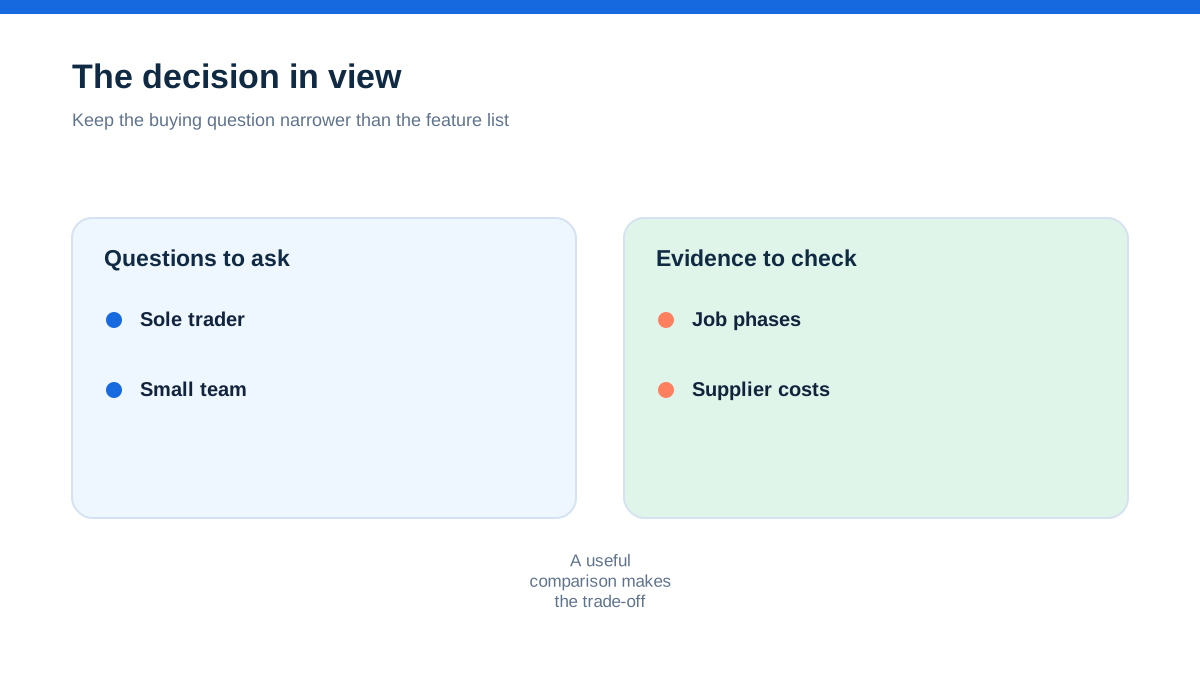
Tradify's official feature pages centre on inquiries, quotes, scheduling, job tracking, invoicing and payments. They also describe photos, videos, notes, digital timesheets, price lists, purchase orders, job costing and accounting connections.[3] Fergus presents a similar enquiry-to-invoice path but puts particular emphasis on job cards, job costs, purchase orders, supplier integrations, job phases, materials, timesheets and reporting.[1][2]
That difference is the real starting point. Tradify reads like a compact front-to-back trade administration system. Fergus reads like a job record designed to gather the operational detail that accumulates around a job. The distinction may be more important than any individual checkbox.
What each provider is actually promising
Fergus says it is job-management software built for tradies, with quoting, scheduling, job cards, invoicing and payment in one app.[1] Its public material describes a customisable calendar, job cards containing quote, purchase-order, cost, reporting and customer information, and invoices matched with costs. The pricing page lists job management, quoting and estimating, price books, job cards, timesheets, calendars, materials, recurring jobs, forms, enquiry management, mobile access and accounting connections, with more operational and reporting features on the Professional plan.[2]
Tradify describes an all-in-one app for inquiries, estimates, quotes, jobs, staff, invoices and related administration.[3] Its feature page lists branded quotes, imported price lists, scheduling, Google Calendar synchronisation, job dashboards, maps, photos, videos, notes, invoices and payment reminders. It also lists purchase orders, job costing, work orders, site management, job sheets, staff scheduling and mobile apps for iOS and Android.[3]
These are provider descriptions, so they show intended product scope rather than independent proof of outcomes. Still, they reveal the shape of each system. Fergus puts the job and its financial detail at the centre. Tradify puts the movement of work through the business at the centre.
The quote is only useful if it survives contact with the site
A quote is not finished when it leaves the office. It is finished when the customer has accepted it, the team knows what was allowed for, the right materials are attached, and changes can be explained later.
Tradify's official pages describe professional quote templates, imported price lists, quote options and online acceptance on its published plans.[3][4] Its pricing page also places markups, quote and invoice templates, progress invoicing, costing and bill tracking across its plan structure. For a business that wins work through fast, repeatable estimates, those tools suggest a tidy handover from enquiry to scheduled job.
Fergus's pages describe quoting and estimating, price books, job cards, materials, job phases and supplier integrations.[1][2] The provider says job phases can divide work into manageable parts, with scheduling, time, materials, supplier documents, notes and forms associated with each phase. For a larger installation, staged invoice or multi-part project, that structure could be more natural than one long job note.
The question to ask is not whether both products can create a quote. Ask whether your normal quote needs options, phases, deposits, supplier costs, progress billing, or a detailed record of what changed after acceptance. The answer points towards the workflow you need to see in a demonstration.
Scheduling is where promises become pressure
Small teams rarely struggle because a calendar exists. They struggle because the calendar is a promise shared between customers, engineers, suppliers and the person answering the phone.
Tradify's feature page highlights a scheduler, staff locations, route planning, customer communication and Google Calendar synchronisation.[3] Its pricing page lists scheduling and calendar synchronisation in the Lite plan and broader staff, subcontractor and service-reminder features on higher plans.[4] That makes Tradify worth considering when the immediate problem is visibility over who is doing what and when.
Fergus describes a customisable calendar, recurring jobs, job assignment and mobile access. Its pricing page identifies GPS tracking on the Professional plan and recurring jobs across the listed plans.[1][2] The calendar is therefore part of a wider job record rather than a separate diary.
Neither source proves how either scheduler will handle your actual route density, emergency call-outs or split-day work. That is why a real scenario matters. Use a week containing one cancellation, one urgent job, a supplier delay and a recurring visit. Watch what has to be edited, who receives the change, and whether the job history remains understandable.
Job records reveal how much admin is being moved
A system can appear efficient while simply moving admin from one screen to another. The useful test is whether the engineer can return from site without the office asking for the same information again.
Tradify lists job sheets containing contact details, site address, appointments, description and staff, alongside job photos, files, videos, notes and tracking.[3][4] It also describes digital timesheets for staff and subcontractors. That suggests a practical record for small teams that want the essential information gathered around a job without adopting a broad operations platform.
Fergus calls its central record a Job Card and says it can hold job details, quotes, purchase orders, job costs, reporting and customer information.[1] Its pricing comparison also lists forms, materials, supplier integrations, timesheets and moving items. The provider's description of job phases goes further by keeping notes, descriptions, forms and checklists with the relevant phase.[1]
The aha here is that “mobile app” is not the decision. The decision is whether your business needs a job file or a job ledger. If the main pain is missed messages and forgotten appointments, Tradify's connected workflow may be enough. If the pain is losing the financial and operational story inside a busy job, Fergus's more detailed record may carry more value.
The money trail matters more than the invoice button
Both providers publish invoicing and payment features. Tradify says it supports branded invoices, payment options, overdue reminders, invoice-view tracking and connections to Xero or QuickBooks Online.[3][4] It lists costing and bill tracking on its Pro plan, alongside timesheets and progress invoicing.[4]
Fergus describes invoices matched with costs, payment capability and accounting connections including Xero, QuickBooks and MYOB.[1][2] Its public pricing comparison lists invoicing, payments and accounting across both main plans, with purchase orders, tiered pricing and broader reporting on the Professional plan.[2]
The difference is not simply “one invoices and the other does not”. It is how much cost context you need before an invoice is trusted. A sole trader completing straightforward repairs may value a fast, professional invoice and payment reminder. A growing team may need materials, supplier documents, job phases, labour and purchase orders visible before anyone bills the customer.
Do not calculate a return from a provider slogan. Instead, list the points where money currently leaks: unpriced materials, unbilled variations, late timesheets, missing purchase orders and invoices that wait for office reconstruction. Then ask each provider to show how one ordinary job captures those items.
Accounting connections are helpful, but they are not the whole finance system
Tradify's official pages name Xero and QuickBooks Online as accounting connections.[3] Fergus names Xero, QuickBooks and MYOB on its pricing page and says accounting and payroll sit within its integrations and add-ons.[2] Those statements confirm the named connections, but they do not explain every synchronisation rule, field mapping, tax treatment or error-handling process.
That boundary matters for UK buyers. A product page can tell you that an integration exists. It does not, by itself, tell you whether supplier bills, credit notes, deposits, payment fees, nominal codes or VAT details will land exactly where your bookkeeper expects them.
Ask for a written description of what moves in each direction, what happens when a record is edited, and what remains inside the job platform. Ask whether the connection is included on the plan you are considering. If the answer depends on a specific region or account setup, keep that condition in your buying notes.
Pricing signals are not a UK price comparison
The checked Fergus pricing page lists Basic from $53 per month and Professional from $75 per month, with an Enterprise 10+ route for larger teams. It also lists a 14-day trial, monthly billing, no lock-in contracts and separate items such as timesheet users, certificates, SMS alerts, card-payment charges and contractor users.[2]
The checked Tradify pricing page lists Lite at $47 USD per user per month and Pro at $51 USD per user per month, with Plus features and a custom route also described. It lists an Instant Website add-on at $12 per month and a 14-day trial.[4]
Those are displayed provider prices, not invented estimates. They are also not a clean UK comparison because the pages present different plan structures and currencies. Confirm currency, VAT treatment, billing unit, included users, add-ons, payment charges, storage, support and cancellation before comparing totals. A headline monthly figure can answer only part of the question.
What the public pages do not settle
A responsible comparison needs a boundary. The official sources do not establish that either product is faster in your business, easier for every engineer, better offline, or cheaper over a year. They do not provide a neutral benchmark between the two systems. They also do not show every regional limitation or implementation condition.
For Fergus, confirm the UK plan and currency because the public page checked here displays dollar pricing while referring to UK support and a global customer base.[1][2] For Tradify, confirm the UK commercial offer because the checked plan page displays US-dollar, per-user pricing despite the product being marketed to trades and services in multiple regions.[3]
Also confirm data export, permissions, audit history, attachments, mobile requirements, support hours, accounting behaviour and the treatment of subcontractors. These are not accusations of missing functionality. They are sensible questions where the public pages do not provide enough detail for a final buying decision.
A hands-on method using one real job
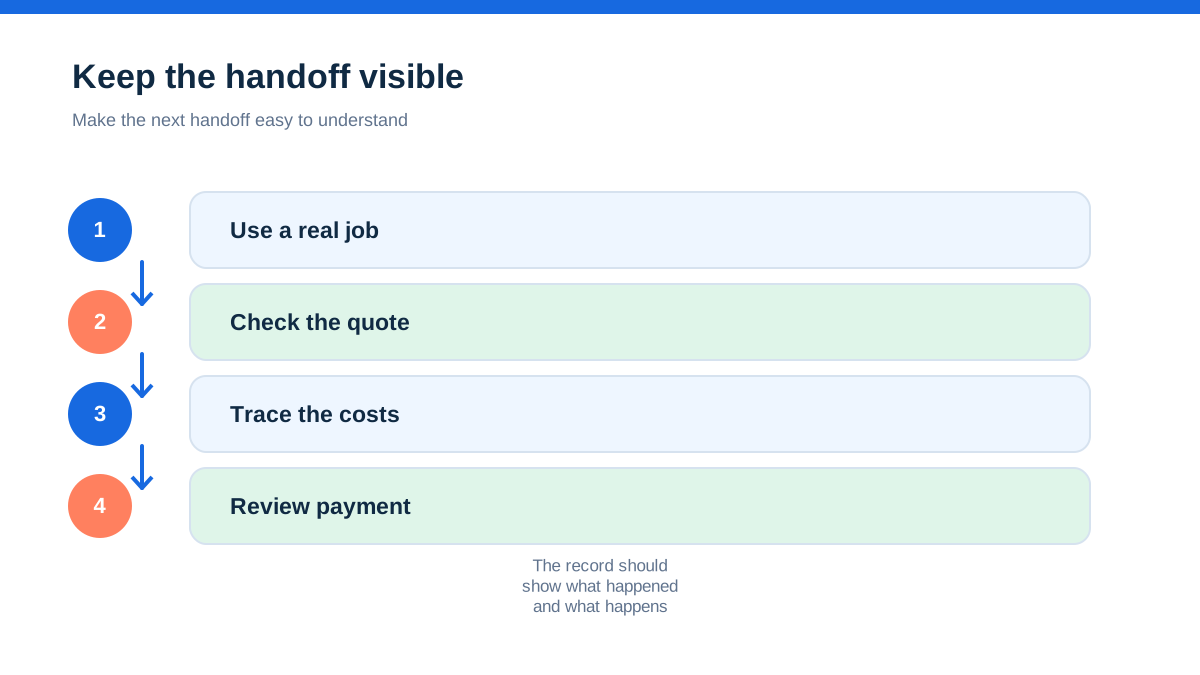
Do not evaluate either product with a fictional list of features. Use one completed job from your own business, with names and sensitive information removed. Give the same scenario to both providers or use each provider's available trial or demo route. The aim is not to produce a score that pretends to be scientific. The aim is to expose friction.
- Create an enquiry and turn it into a quote with your normal labour, materials and margin.
- Add a customer change that creates a variation or a second visit.
- Schedule two people, move one appointment and record the reason.
- Attach a site photograph, a supplier document and a note that an engineer would actually need.
- Record time and materials, then check how the job cost is represented.
- Produce the customer-facing invoice and trace the accounting connection or export boundary.
- Reopen the job after completion and ask a colleague to find the quote, variation, costs and proof of work without coaching.
Record the clicks, duplicated entry, missing fields, plan restrictions and unclear handoffs. Score each platform against your own pain, not against a vendor's adjectives. If the business is a sole trader operation, give extra weight to speed and clarity. If it is a team handling installations or recurring work, give extra weight to phases, costs, permissions, recurring jobs and reporting.
The decision rule for a small UK trade business
Choose Tradify first when your workflow is centred on enquiries, quick quotes, a live schedule, job tracking, invoices, payment chasing and straightforward accounting connections. Its official pages show a focused trade workflow with useful extensions for timesheets, purchase orders, costing, recurring jobs, subcontractor scheduling, service reminders and mobile work.[3][4]
Choose Fergus first when the job itself needs to hold a richer operational and financial story. The official pages point to Job Cards, job phases, materials, supplier integrations, purchase orders, time and cost tracking, forms, reporting and accounting connections.[1][2] Those capabilities may be a better match for a business where work is split into phases or where supplier and labour detail is central to margin control.
Neither choice should be made from the displayed currency alone. The practical winner is the one that lets your team capture the information once, find it later, and turn completed work into a defensible invoice without adding a new private spreadsheet. That is the difference between buying another place to type and buying a record your business can rely on when a customer queries the work months later.
Final verdict: choose the shape of the work, not the size of the menu
Fergus and Tradify overlap in the places every trade business recognises: quoting, scheduling, job records, invoicing and payments. Tradify looks strongest as a focused flow for keeping everyday work moving. Fergus looks strongest when the job card must carry deeper cost, supplier, phase and operational detail.
The aha is simple: software value appears between the headline actions. A quote is only valuable if its assumptions survive scheduling, site changes, costs and invoicing. A calendar is only valuable if it leaves a reliable job history. An accounting link is only valuable if the source record can explain the number.
Run the same real job through both workflows, keep the regional pricing caveats visible, and choose the product that removes the most repeated explanation from your week. That is a more honest Fergus versus Tradify verdict than declaring a universal winner.
- [1] : Fergus official product page (11 October 2026)
- [2] : Fergus official pricing page (11 October 2026)
- [3] : Tradify official features page (11 October 2026)
- [4] : Tradify official pricing page (11 October 2026)
Affiliate status: no affiliate links are used on this page. Provider links are direct sources only, pending programme approval.