Drafted for review. Last source review: 11 October 2026. No affiliate links are used in this article.
Draft status: Editorial draft only. Not published. Checked: 11 October 2026. Audience: UK sole traders and small trade businesses choosing software for quoting, scheduling, job records, invoicing and payment collection. Affiliate status: No affiliate links. Provider URLs appear only in the Sources section.
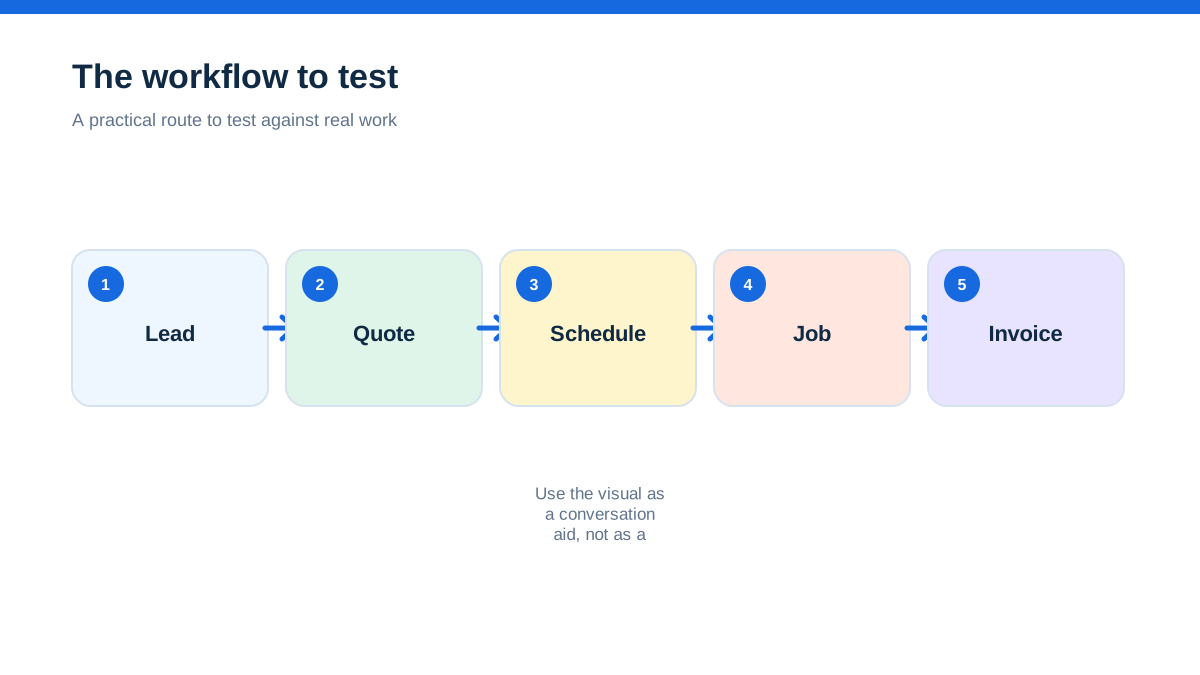
A plumber with two engineers can make a software decision sound much bigger than it is. The usual conversation starts with a long list of features: quotes, invoices, reminders, mobile apps, accounting connections and customer records. That list rarely settles the choice. Both Jobber and Tradify cover the basic journey from enquiry to payment, so the more useful question is how the software charges for growth and where it places the admin burden.
The short answer is this. Tradify is the more obvious first look for a UK trade business that wants published pound pricing per user, month-to-month billing and a fairly direct trade workflow. Jobber is the more interesting comparison when the business cares about a polished client journey, a wider set of customer-facing and growth tools, and a plan model that is not directly comparable with Tradify's per-user price. Jobber's public pricing page displayed US-dollar plan prices when checked, while its UK help material confirms UK payments support. Do not convert those prices and call the result a UK quote. Ask Jobber for the current UK commercial terms, VAT treatment and user allowance before deciding.[1][3][4]
This is not a laboratory test or a claim of personal use. It is a decision guide based on the providers' official pages checked on the date above. Plans, features, payment rates, regional availability and add-ons can change.
The callback that exposed the real choice
Imagine a small domestic electrical business that has reached the awkward middle. The owner still visits jobs, one administrator handles the phone, and two electricians need the day's schedule on their mobiles. Most work is repeatable: enquiry, quote, booking, visit, invoice and payment. The business does not yet need a complex commercial project system, but it has stopped coping comfortably with messages, diary notes and invoices spread across different places.
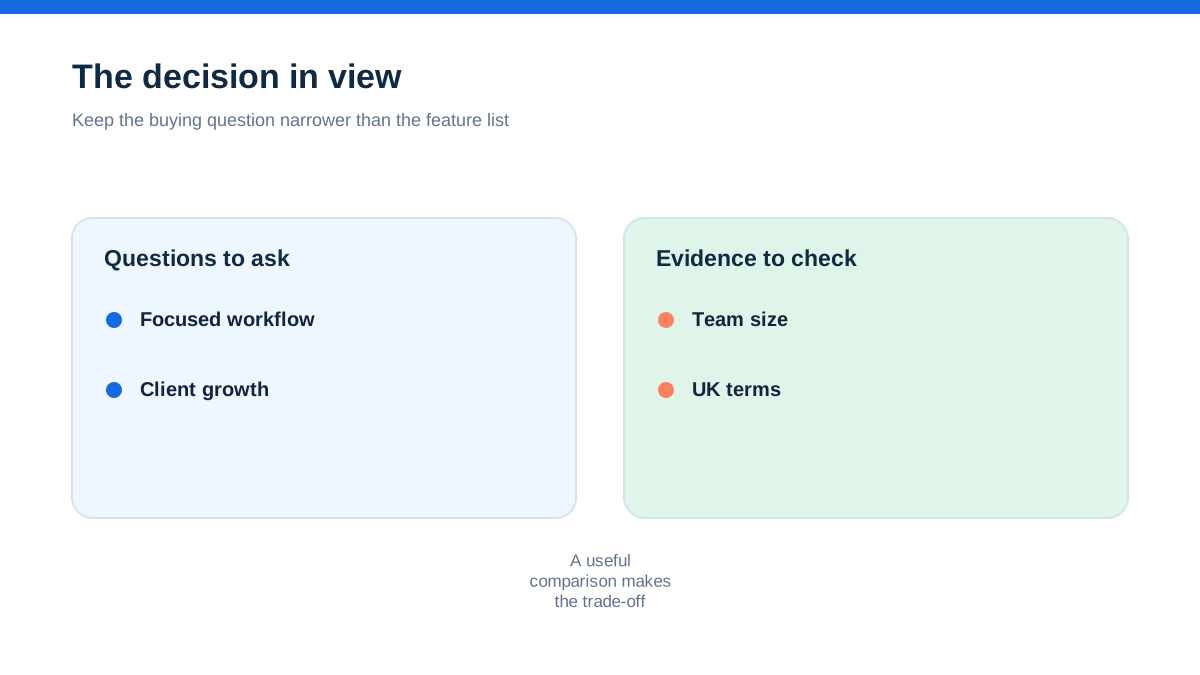
The owner asks which platform has more. That is the wrong opening. The better question is which platform makes the business's most expensive handoff safer. Is it the point where a quote becomes a booked job? The point where an engineer records what happened? The point where an invoice is chased? Or the point where the owner needs to know whether a job made money?
Tradify presents itself as a trade-focused path through enquiries, quoting, scheduling, job tracking, invoicing and payments. Its UK feature page also highlights price lists, timesheets, forms and certificates, purchase orders, job costing, subcontractor management and mobile use.[5] Jobber's official material presents a broader service-business workflow, with requests, quotes, jobs, invoices, payments, client communication, online booking, reporting, app connections and optional marketing or receptionist products.[1][2]
Both can look attractive in a browser. The difference appears when the owner has to decide who pays for the next person, the next job, the next text message and the next layer of customer communication.
Aha: the price unit is part of the operating model
The important insight is not that one price is lower than another. It is that the two providers make you count different things.
Tradify's UK pricing page shows Lite at £34 per user per month, Pro at £37 per user per month and Plus at £44 per user per month on the checked page. The page also shows Custom as price by request. It lists a 14-day free trial and month-to-month billing with no contract commitment. Some communication features are optional paid add-ons, including an Instant Website and text messages.[4]
Jobber's public pricing page displayed plans starting at $29, $99, $149 and $399 per month on the checked page, with user allowances attached to the plan levels and additional users shown as a separate consideration. The page states that its listed prices are in US dollars. That is useful evidence about how Jobber structures the public offer, but it is not a UK price comparison.[1]
This creates a practical fork. A three-person Tradify account is naturally modelled as three licences. A Jobber account is naturally modelled around a plan and its included users, then any extras or add-ons. If the office administrator, owner and field staff all need logins, write down the total people who will genuinely use the system. Do not compare £44 with $149 as though they were the same unit.
The cost question also includes capacity. Tradify's price page describes a per-user model, while Jobber's page explains plan-based user allowances and different plan features.[1][4] Your eventual bill could be shaped by users, plan tier, billing frequency, add-ons, payment processing, SMS usage, tax and any regional commercial terms. The providers' pages are the starting evidence, not a final quote.
When a one-person business wants fewer moving parts
A sole trader usually values speed over organisational theatre. The software has to help create a quote in the van, schedule the work, send an invoice and remember the customer's history. If the business remains one person, Tradify's per-user framing is easy to understand. Its Lite plan is presented as the basic route, with job management, scheduling, quoting, invoicing, pricing and markups, online and card payments, email tracking and accounting sync listed on the UK pricing page.[4]
Jobber can also be relevant to a solo operator. Its public pages describe online booking, quotes, invoices, online payments, client management and reporting, and the public price page includes a free trial.[1][2] The question is not whether either product can support a one-person workflow. The question is whether the extra client-facing layer is worth investigating now, and whether the UK price and plan fit are clear enough for the owner's budget.
For a new business with light administration, a neat first-year decision is often more valuable than a theoretical five-year feature roadmap. If the owner does not use marketing tools, a receptionist, advanced automation or detailed job-cost reporting, do not pay for them merely because they exist. Ask each provider to show the minimum plan that covers the actual day.
When the second engineer changes the answer
The second engineer is where software stops being a private notebook and becomes a shared operating system. The owner now needs to allocate work, communicate changes, capture notes and make sure an invoice reflects what happened on site.
Tradify's UK pages describe a scheduler, Google Calendar sync, staff and subcontractor scheduling, mobile apps, timesheets, job photos and files, customer communication history and appointment reminders.[4][5] Its Pro plan adds recurring jobs, custom statuses, job templates, quote options and online acceptance, progress invoicing, reminders, costing and bill tracking, compliance certificates and subcontractor scheduling.[4]
Jobber's public pages describe scheduling, team management, client notifications, job tracking, quotes, invoices and online payments. Higher public plans add functions such as time tracking, job costing, two-way text messaging, custom workflow automation, crew scheduling, custom reports and lead pipeline tools.[1][2]
The decision is therefore about the shape of coordination. Tradify's published UK structure makes it easy to ask, “What does each additional person cost, and which plan unlocks the workflow we need?” Jobber makes it easy to ask, “Which plan and user allowance gives the team the client journey and operating controls we want?” Both are valid questions. They are not the same question.
The quote is where the brands diverge
A quote is more than a PDF. It is a promise about what the customer will receive, how much it costs and what the business expects to earn.
Tradify highlights professional quotes, custom themes, imported supplier price lists, pricing tiers, quote templates, optional extras and online acceptance. Its Plus plan adds kit bundles and SmartTools features, while Pro lists quote options and progress invoicing.[4][5] For a trade business that repeatedly quotes similar work, the ability to standardise price lists, templates and kits may matter more than an impressive sales dashboard.
Jobber's official pages describe professionally presented quotes, optional line items, quote follow-ups, markups, quote deposits and customer-facing tools. The Grow and Plus material adds richer quote customisation, job costing, workflow automation and sales pipeline functions.[1][2]
A useful distinction is whether your quote problem is production or conversion. If the pain is rebuilding the same labour and materials list, test Tradify's price lists, templates and kits against a real supplier file. If the pain is slow follow-up, unclear choices or a weak client journey, test Jobber's quote presentation, follow-ups, online approval and payment path. Do not let the word “quoting” hide two different problems.
The invoice that should not need a second memory
The best software is often the one that stops a small omission becoming an unpaid invoice. A missed material, a forgotten variation or a vague note can cost more than a monthly subscription.
Tradify's pages describe invoices, progress invoices, payment reminders, online payments, bill tracking, job costing and accounting integrations with Xero, Sage and QuickBooks Online.[4][5] Its workflow is particularly relevant when job records, material prices, bills, timesheets and invoices need to stay connected.
Jobber's pages describe invoices, online payments, automatic reminders, payment collection and connections to accounting tools. Jobber Payments in the UK is described as an integrated option for online and in-person card transactions, saved cards, quote deposits, recurring billing and refunds. The help page lists a UK rate of 1.4% plus 20p per transaction across plans on the checked page.[2][3]
Payment rates should be treated as dated provider terms, not as a permanent promise. Check whether VAT, refunds, chargebacks, settlement timing, card-present transactions and payment methods apply to your actual work. Tradify's page also presents online and card payments, but the cost of processing is not established by the subscription price alone.[4]
Run one real invoice through both demonstrations. Include a deposit, a material line, a variation, a part payment and an overdue reminder. Watch how much re-entry is required and whether the customer can understand what they are paying for.
Repeat work is not the same as complex work
A boiler service, inspection, cleaning visit or maintenance agreement may recur without becoming a major project. That recurring pattern deserves its own test.
Tradify's Pro page lists recurring jobs, custom statuses, reminders and customer communication history. Plus adds service reminders and job tasks.[4] Jobber's official pages describe recurring jobs, automated client reminders, automated payments and workflow tools, depending on plan or add-on.[1][2]
The question is what the business needs to remember between visits. If it needs a reliable list of customers due for a service, a repeat booking and a reminder, either provider may be worth testing. If it needs asset histories, compliance records, complex contract billing or project controls, the business may be approaching a different software category. Neither article in this comparison should be read as proof that a feature works exactly as your trade requires. Ask to see the recurring record, the customer notification, the engineer view and the invoice created after a changed appointment.
A useful rule is to test an awkward recurrence, not a perfect one. Reschedule it, skip one visit, add a note, change the price and see whether the next visit remains understandable.
Customer experience is a business decision, not decoration
Some businesses win because the customer gets a quick, clear answer. Others win because the engineer arrives prepared and the invoice is easy to approve. Customer-facing features matter only if they support the way you sell.
Jobber's official pages place strong emphasis on client communication, online booking, client hub, automated notifications, referrals, reviews, marketing tools and an AI receptionist add-on.[1][2] That makes Jobber worth closer attention for a business where missed enquiries, slow quote approval or weak follow-up are limiting growth.
Tradify's pages emphasise enquiry forms and email inbox, customer communication history, quote and invoice reminders, online acceptance, appointment reminders, online payment, an Instant Website add-on and branded documents.[4][5] That makes it relevant to a trade business that wants a structured customer trail without necessarily buying a larger marketing layer.
Do not count a website, a messaging option or an AI label as revenue. Define the failure you want to prevent. Is it an enquiry not being answered, a quote not being chased, an appointment not being confirmed or an invoice not being paid? Choose the workflow that addresses that failure with the least manual supervision.
The accounting handoff tells you where the truth lives
A trade business can tolerate a small amount of duplication at the beginning. It cannot tolerate uncertainty about whether the operational record or the accounting record is correct.
Tradify says it syncs with Xero, Sage and QuickBooks Online, and its pages describe sending financial information through to the accounting package.[4][5]
Jobber's public material highlights connections including QuickBooks Online and Xero, with the exact plan and regional treatment needing confirmation.[1][2]
During a demo, ask the provider to show a complete loop: create a customer, issue a quote, convert it to a job, add a material, invoice it, take a payment, then inspect the accounting entry. Ask what happens when the invoice is edited, partly paid, refunded or voided. Ask whether the integration is one-way or two-way for the objects you care about. “Integrates with Xero” is not enough detail to choose a system.
Also ask where the price list is maintained. Tradify's supplier price list and material workflow may appeal to a business that wants operational pricing close to the quote. Jobber may appeal to a business that wants the client journey and financial handoff to feel simple. The right answer depends on who owns the numbers day to day.
A hands-on comparison you can run in one afternoon
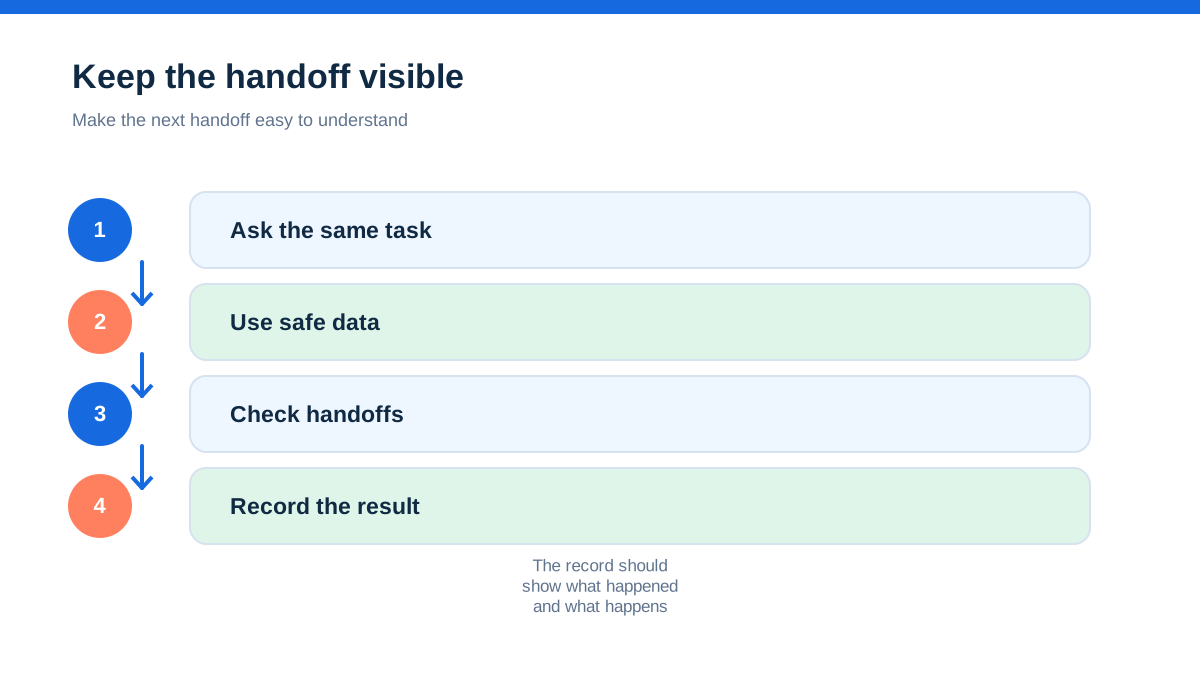
Use the same fictional customer and the same small job in both trials. Do not create a generic demo account and click around. Recreate a real job that regularly causes admin friction.
Start with an enquiry containing a site address, a preferred date, a short description and one photo. Create a quote with labour, two materials, an optional upgrade and a deposit. Send it, approve it as the customer and schedule the visit with one field worker. Change the appointment once. At the job, add a note, a photo, a timed visit, a material used and a customer signature if the product supports the relevant workflow. Create a progress or final invoice, send a payment request and record a part payment. Finally, open the customer history and the accounting integration view.
Record six things rather than relying on your impression: minutes to produce the quote, number of duplicate entries, ease of changing the job, clarity of the field view, effort to produce the invoice and confidence that the next person can understand the record. Add the monthly subscription, user count, add-ons, payment charges, SMS and any onboarding cost to a separate total.
Then run the awkward version. The customer declines the upgrade, the engineer uses more materials, the appointment moves, and the invoice becomes overdue. A product that looks quick only in the happy path may create more admin when the day becomes normal.
The decision rule for a small UK trade business
Choose Tradify first when the business wants a visible UK price ladder, a per-user model it can explain, month-to-month terms, trade-oriented quoting and scheduling, price-list control, job costing and a practical route for staff or subcontractors. Confirm the plan level because features such as recurring work, progress invoicing, forms, certificates, purchase orders, service reminders and SmartTools are not all presented at the same tier.[4][5]
Choose Jobber first when the business's priority is a polished client journey around requests, quotes, jobs, invoices and payments, with interest in online booking, reminders, customer communications, reporting, lead management or growth add-ons. Confirm the UK commercial terms because the public pricing page displayed US dollars and its plan model is not directly interchangeable with a per-user UK price.[1][2]
Neither product is automatically the better value. Tradify can become expensive when every additional worker needs a paid user and several add-ons are required. Jobber can become difficult to budget if a UK buyer treats displayed US-dollar prices as a final local quote or selects a plan for features that the business does not use. In both cases, payment processing, tax, SMS and optional modules can change the total.
The honest conclusion is narrower and more useful than a universal winner. Tradify is the cleaner first investigation for a small UK trade business deciding from a per-user, trade-admin perspective. Jobber is the cleaner first investigation for a service business where the customer journey and growth workflow matter as much as the job card. Run the same real job through both. The winner is the one that removes the costliest handoff without creating a new pricing surprise.
Affiliate status: no affiliate links are used on this page. Provider links are direct sources only, pending programme approval.