Drafted for review. Last source review: 11 October 2026. No affiliate links are used in this article.
Draft status: Editorial draft only. Not published. Checked: 11 October 2026. Audience: UK sole traders and small field-service teams choosing between a mobile-first operating model and a broader client-growth workflow. Affiliate status: No affiliate links. Provider URLs appear only in the Sources section.
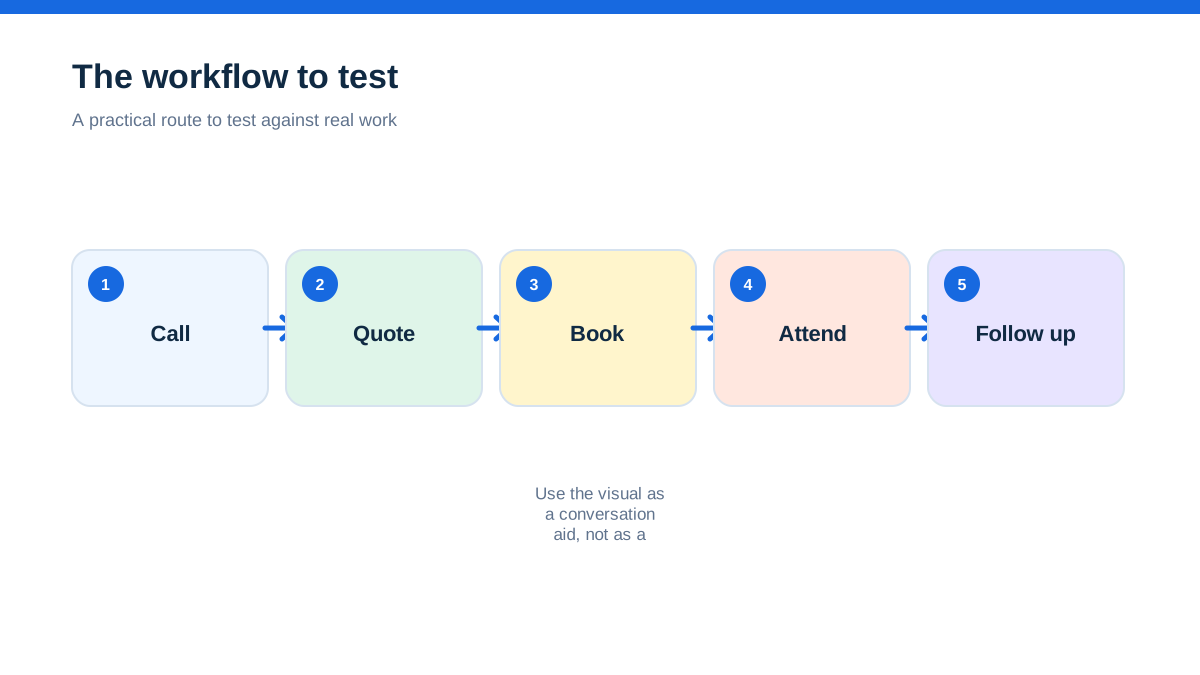
A service business can be busy and still feel disorganised. The phone rings while an engineer is driving, a customer wants a quote before lunch, and the office needs to know whether the previous job ran over. In that setting, ServiceM8 and Jobber can look interchangeable. Both describe quoting, scheduling, invoicing, payments, client records and communication. The sharper comparison is not which platform has the longest feature list. It is whether your constraint is field capacity or customer conversion.
ServiceM8's UK pricing page uses a business-level monthly price with job and SMS allowances, rather than charging paid plans per user. The checked page displayed Free at £0, Starter at £25, Growing at £59, Premium at £119 and Premium Plus at £269 per month, with different job, SMS and add-on limits. It says paid plans can have unlimited users, while the Free plan is limited to one user.[1] Jobber's public pricing page displayed US-dollar plan prices and plan-based user allowances, with higher tiers adding workflow, reporting, team and client-growth capabilities. It also says prices are in US dollars, so a UK buyer should ask for current local terms rather than convert the numbers informally.[4]
The short answer is this. Look closely at ServiceM8 when the business wants a clear UK price, no per-user charge on paid plans, offline field access and a job-credit model that matches predictable monthly volume. Look closely at Jobber when the business wants a client-facing journey around requests, quotes, jobs, invoices and payments, with optional growth tools. Neither choice is safe from a trial based only on a happy-path demo. Your real decision is what happens when the day is full, the signal disappears, the customer changes their mind and the job count approaches the plan limit.[1][2][4]
This is an official-source comparison, not a hands-on product review. Provider terms, pricing, device support, regional availability, add-ons and payment charges can change.
The missed call that makes the choice urgent
Picture a mobile heating business with one owner, three engineers and a part-time coordinator. Most work arrives by phone or web enquiry. The coordinator books jobs while engineers need site history, photos and notes on the road. The owner wants the business to look professional without turning every job into an office project.
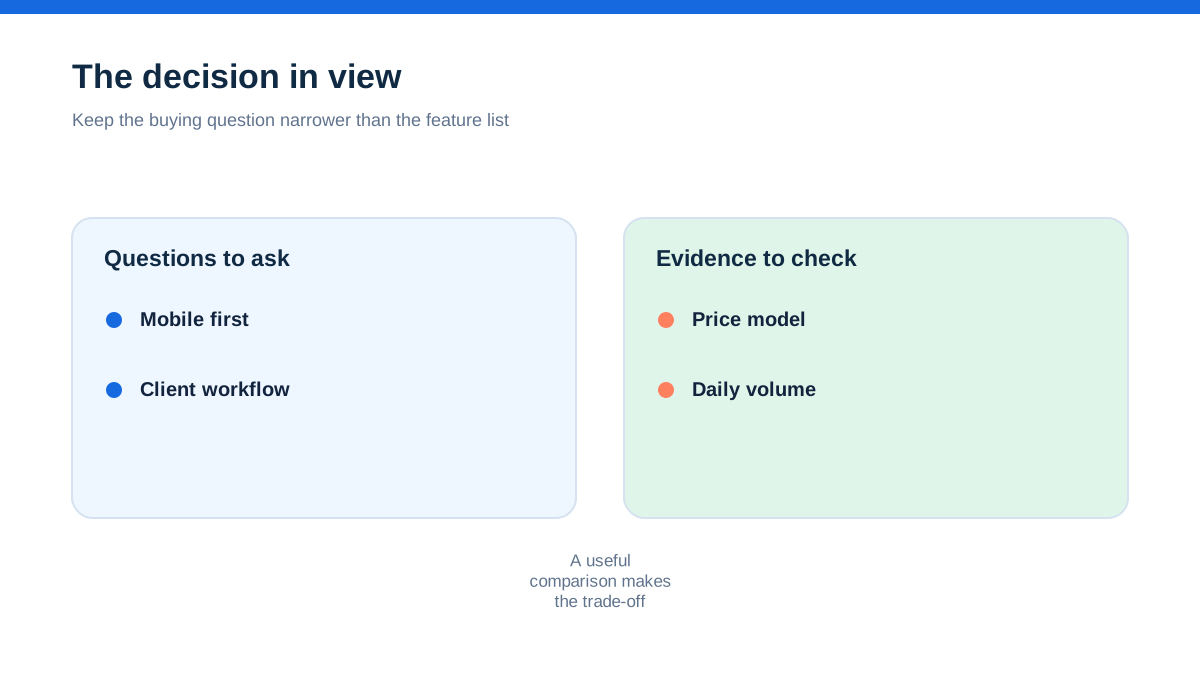
On Monday, the coordinator creates 18 jobs. On Tuesday, one engineer loses mobile signal in a basement, another needs to add a material, and a customer accepts one option from a quote but asks to delay the visit. By Friday, the question is not whether the software can issue an invoice. It is whether the business has a reliable record of what happened without asking the owner to reconstruct the week.
ServiceM8's official UK feature material leans into the field experience: staff can access job information without connectivity and sync changes later, while the app supports navigation, photos, signatures, time tracking, forms, payments and customer communication.[2] Jobber's official pages lean into a connected service-business workflow, including requests, online booking, quotes, jobs, invoices, payments, notifications, reporting and integrations.[4]
The first platform is easier to frame around the workday. The second is easier to frame around the customer journey. That is not a ranking. It is a clue about where each deserves a serious test.
Aha: you are buying a capacity rule, not just an app
ServiceM8 makes job volume part of the buying decision. On its UK page, the Free plan includes 30 new jobs per month, with higher paid tiers showing larger monthly job allowances. It also lists SMS allowances and explains that a new job card consumes a job credit, while changing a quote into a work order does not consume another credit. Unused credits expire at the end of the month, according to the provider's introduction material.[1][2]
That can be attractive when the business knows its volume. A sole trader doing 20 to 30 jobs a month may value a free or low monthly route, while a small team may prefer one monthly price with many user logins. But capacity rules deserve a calendar test. Does a quote, a work order, a repeat visit, a cancelled booking or a return visit consume the same kind of allowance in your workflow? Ask the provider to explain edge cases, not just the headline number.
Jobber's public pricing page frames the offer around plan level and user allowances. Its public feature material shows that different tiers add capabilities such as automated reminders, job costing, two-way text messaging, custom workflow automation, crew scheduling, custom reports, lead pipeline and marketing tools.[4] The decision is therefore more likely to turn on the plan's included operating and client features, plus the number of people who need access.
The aha is simple: ServiceM8 asks whether your month fits the job and message allowance. Jobber asks whether your team and customer process fit the plan. The cheapest-looking option can fail if it measures the wrong thing for your business.
When the phone is the real front desk
A mobile trade business rarely experiences “office work” and “field work” as separate worlds. The owner may answer a customer from the van, a coordinator may dispatch a job while walking between calls, and an engineer may close an invoice at the gate.
ServiceM8's feature overview describes communication saved to job records, customer replies, on-the-way messages, live activity, staff messaging, integrated navigation and mobile payments. It also lists a desktop app, iPhone and iPad support, and offline access for field staff.[2] The platform's own material says its Apple-focused design is intended to provide a fast experience on iPhone and iPad. That makes device policy a real buying question. If every field user carries an iPhone or iPad, test the flow there. If your team depends on Android phones, ask ServiceM8 to show the current supported experience before treating any mobile claim as settled.[2]
Jobber's official pages describe a web and app-based workflow with scheduling, quotes, invoices, client notifications, online payments, custom fields and integrations. The public material is strongest on what the customer and office can see, rather than on a UK job-credit capacity model.[4]
Do not decide from screenshots. Give one engineer a phone and a real job record. Ask them to find the address, call the customer, view the last visit, add a photo, record a note and issue an invoice. The product that needs the fewest explanations may be the safer operational choice, even if the other has more impressive marketing language.
The day the signal disappears
Connectivity is not a theoretical concern for field workers. Basements, plant rooms, rural properties and thick-walled buildings can interrupt a workflow at exactly the point where evidence matters.
ServiceM8 states that field staff can access job information without internet connectivity and that updates sync when connection returns.[2] The important word is not “offline” on its own. It is what remains available: customer details, site history, job notes, forms, photos, signatures, time records and any other data your engineer needs. Ask how conflicts are handled if two people edit the same record while disconnected. Ask whether an invoice can be prepared offline and submitted later, or whether payment requires live connection.
Jobber's public pages emphasise field documentation, client communication, job tracking, payments and integrations, but the exact offline behaviour is not established by the sources used for this draft.[4] Treat that as a question for a current demonstration rather than filling the gap with assumption.
Run the test honestly. Load a real job, switch the device to flight mode, complete the field record, take two photos, add a variation and reconnect later. Then inspect the office record and the customer-facing document. A promise of offline access only matters if the recovered record is complete and easy to trust.
The quote that turns into a job
A quote is the bridge between sales and delivery. If that bridge is weak, the business either loses time recreating the accepted work or sends an engineer without enough context.
ServiceM8's feature material describes quotes, online acceptance, quote options, proposals, bundles, online booking and intelligent quoting. Its online booking page says customers can request a quote or service, select a time, and book into the schedule. It also describes forms that can ask questions, use answers to calculate a price, set staff capability rules and allow deposits or pre-payment.[2][3]
That can suit a service business with repeatable offerings. A customer could answer a defined set of questions, receive an appropriate route and select a time without a long chain of calls. The risk is over-automation. Set a minimum and maximum job value, a service area, an exception path and a human review point. A booking form should reduce avoidable admin, not accept work the business cannot deliver profitably.
Jobber's public pages describe online booking, quote creation, client hub, optional line items, markups, follow-ups, deposits, custom quote design and workflow automation across plan levels.[4] This is attractive when the commercial problem is slow decisions or inconsistent follow-up rather than pure booking capacity.
Use a real quote with a good, better and best option. Include one unknown that needs a site visit. See whether each platform keeps the customer's choice, the price logic and the next action visible to the team.
The job credit that looks harmless on a quiet month
Capacity pricing is useful only when the business measures the right capacity. ServiceM8's job credits are tied to new job cards, and its UK plans also show SMS limits and overage terms.[1][2] A company with 90 new jobs most months may find a 150-job plan easier to budget than a per-user model. A company with a seasonal spike may need to understand whether an upgrade, unused-credit expiry or add-on changes the economics.
Create a simple twelve-month record from your last year: new enquiries, quotes, accepted quotes, work orders, repeat visits, cancelled jobs, invoices and SMS messages. Mark which records would have consumed a new job credit under ServiceM8's explanation. Then model a busy month and a quiet month. Do not use an annual average that hides the peak.
Jobber's plan page makes a different capacity question important: how many users need access and which plan capabilities are essential. The public page shows plan user allowances, extra-user information and different features by tier.[4] A business with many technicians but moderate job volume may favour a platform that does not charge per paid user on its paid plans. A small office with one coordinator but a strong lead pipeline may care more about the plan feature boundary than the number of jobs.
The right comparison is your actual annual pattern, not an imagined typical month.
The invoice that must survive a busy Friday
The best invoice workflow is the one an engineer can complete without leaving the job record. ServiceM8 lists on-site card payments, online invoice payment, deposits, automated payment follow-ups, recurring payments, statements and accounting integrations.[2] Its UK page also lists PayByBank and Tap to Pay availability in the feature overview, but payment methods and eligibility should be checked for your account and device.[2]
Jobber's public pages describe invoices, online payments, automatic reminders, quote deposits, saved cards and client hub payment. Jobber Payments' UK help page lists a rate of 1.4% plus 20p per transaction across plans on the checked page, plus a seven-business-day deposit period for the first transaction and four business days after the initial verification window.[4][5]
These details can matter more than a plan headline. Compare the total path for a £250 invoice: subscription, payment processing, SMS, any payment add-on, VAT treatment, refund handling and settlement timing. Do not calculate a final cost from one displayed number if the provider's regional terms or VAT basis is unclear.
Ask the provider to show a deposit, a part payment, a refund, an overdue reminder and an accounting sync. The final screen is not the whole workflow. The audit trail is the workflow.
The customer who wants a booking link at 10 pm
Online booking is an operational decision. It changes who controls the calendar and what information arrives before the visit.
ServiceM8's official online booking page describes live quote or service requests, time selection, scheduling rules, service-area controls, travel surcharges, deposits and pre-payment. It also says the forms can be configured as general enquiries or on-site quote requests rather than only instant bookings.[3] This flexibility is useful for a business that knows some work can be standardised and other work needs assessment.
Jobber's official public material describes online booking, client hub, requests and customer communication, as well as marketing and referral tools on relevant plans or add-ons.[4] It may suit a business that wants booking to sit inside a wider customer experience, especially when the owner is trying to improve enquiry response and repeat business.
Put boundaries around the test. Offer one service that can be booked directly and one that must be reviewed. Ask whether the customer can select an unsuitable time, whether travel is visible, whether the team receives enough information and whether a booking can be converted cleanly into a quote or job. A booking link that fills the diary with poor-fit work is not a win.
The customer record that prevents a repeat visit
Field software earns trust by making old information useful. An engineer should not need to ask the customer to repeat the make, model, fault history or access instruction if the business already holds it.
ServiceM8 lists full client history, job notes, photos, messages, asset records, forms, service history and customer asset portals in its feature overview.[2] Jobber lists client management, custom fields, job tracking, photos and files, client communication, reminders and customer-facing portals or tools in its public materials.[4]
The decision turns on the type of memory your business needs. A domestic service company may mainly need a readable client timeline and the last invoice. An engineer working on maintained equipment may need an asset record, inspection form and certificate history. Test the same customer with three sites and two assets. Ask an engineer to find the information without a coordinator explaining where it lives.
Keep a record of what is stored on the client, what is stored on the job and what is visible in the field. A feature can exist and still be awkwardly placed for the people who need it.
A hands-on trial that reveals the answer
Give each platform the same controlled job and a fixed time window. Use one new enquiry, one repeat customer, one field worker, one coordinator and one owner. Write the acceptance criteria before you start.
The enquiry arrives after hours. Capture it, ask for a photo, issue a quote with two choices, require a site visit for an uncertain item, schedule the work, send a confirmation and record a change. On the day, put the phone offline. Open the customer history, navigate to the address, record arrival, add a note and photo, capture the customer's approval, add a material, create the invoice and queue a payment request. Reconnect the phone, inspect the office view, send an overdue reminder and export or sync the financial record.
Score the result from the people who would actually use it. Record field minutes, office minutes, duplicate entry, missed information, job-credit impact, user impact, SMS impact and the quality of the customer document. Run the same test with a busy month in the pricing model.
Then ask each provider these questions in writing: what is included in the selected UK plan, what is billed by job, user or message, what expires, what is extra, what is available on Android and iOS, what works offline, how payments settle, how data can be exported and what onboarding is included. Keep the answers with the commercial quote.
Which business should start with ServiceM8?
Start with ServiceM8 when the operational constraint is field capacity, mobile record quality, predictable monthly job volume or a need for many staff logins without a per-user charge on paid plans. The UK price ladder, job-credit explanation, offline access and field-focused features deserve a close look.[1][2]
It is not automatically the better choice for every mobile team. The business must understand job credits, SMS limits, add-ons, plan boundaries, device support and the practical effect of unused credits expiring. A service company with unpredictable peaks should model those peaks before choosing a tier.
ServiceM8 is also worth prioritising when online booking can be systemised safely. Its official material describes configurable forms, customer questions, scheduling rules and deposits. That could reduce phone traffic, but only if the business defines what may be booked automatically and what needs review.[3]
Which business should start with Jobber?
Start with Jobber when the business's constraint is customer conversion, communication quality, repeat business or a need to connect requests, quotes, jobs, invoices and payments in a client-friendly workflow. Its public material includes online booking, client communications, reminders, quote follow-up, reporting, lead management, team tools and optional growth products.[4]
Do not treat the US-dollar display as a UK quote. Ask for the current UK subscription, user allowances, VAT position, add-on charges and payment terms. Jobber Payments' UK help material gives useful detail on card rates and settlement, but processing costs are separate from subscription cost and may change.[5]
The product is most compelling when the business will actually use the client-facing layer. If the real problem is simply capturing field notes and issuing invoices, a broader growth stack may be unnecessary.
The decision rule for a UK field-service team
Choose ServiceM8 first if the business can describe its workload in new jobs per month and wants a mobile operating model where field records, offline work and payment collection are central. Choose Jobber first if it can describe its growth problem in missed leads, slow quote acceptance, poor follow-up or a customer journey that feels fragmented.
The two platforms overlap at the job card, but they make different pressures visible. ServiceM8 makes capacity and mobile execution explicit. Jobber makes plan, user and client-workflow choices explicit. The honest winner is the one whose pricing unit matches the bottleneck you can measure.
Before signing, run the same job in both, include a lost signal and an awkward change, and obtain a written UK quote. Confirm currency, VAT, plan, job allowance, user allowance, SMS, payment processing, integrations, data export and availability of the features you actually need. A polished demonstration is useful. A controlled trial is evidence.
Affiliate status: no affiliate links are used on this page. Provider links are direct sources only, pending programme approval.