Drafted for review. Last source review: 11 October 2026. No affiliate links are used in this article.
Double-booking is rarely caused by a calendar that cannot display two appointments. It is usually caused by two people making reasonable assumptions from different pieces of information.

One person sees an open morning. Another knows the van is already committed. A customer says “any time after lunch” and the office hears a usable slot. The electrician knows the work needs a longer visit, a particular tester or a second person. A job is moved by text, but the shared diary still shows the old date.
This guide is for small electrical businesses that need a practical scheduling method, whether they use a job-management system, a shared calendar or a carefully designed interim board. It focuses on preventing collisions before they reach the customer. It does not tell you how to judge electrical competence, design an installation or make a technical safety decision.
The central idea is to schedule the whole promise, not just the arrival time. A booking consumes more than a rectangle on a calendar. It consumes a person with the right capability, a vehicle, travel time, equipment, site access and enough time to leave a usable record.
For electrical work, planning also has a safety dimension. The Health and Safety Executive’s guidance covers safe working practices for people who work on or near electrical equipment and points to identifying the work, planning it and controlling it as part of a safe system.[3] A tidy diary cannot make unsafe work safe, but a rushed or ambiguous booking can make good planning harder.
The morning when two jobs owned one van
Imagine the first call of the day. The diary shows an inspection at nine and a fault visit at eleven. Both look possible until the person checking the route notices that the first customer is outside the usual area, the second job needs a particular test instrument and the van is carrying materials for a planned installation later that afternoon.
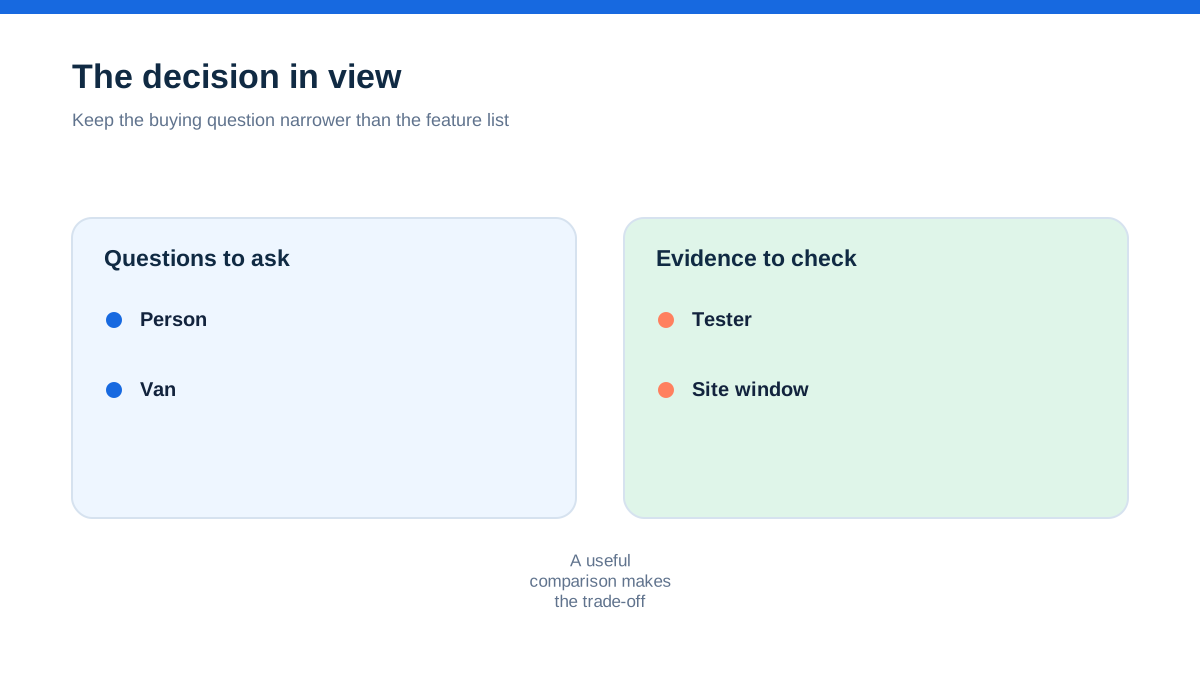
The collision did not begin when somebody clicked “save”. It began when the calendar treated availability as a blank box rather than a set of constraints.
Start by listing what can make a booking impossible or unsafe. For each electrician, record normal working availability, planned leave, travel limits, current capability and any pairing requirement. For each job, record the work type, estimated on-site duration, travel assumption, access window, required equipment, materials, customer constraints and whether another person is needed.
Do not use “electrician available” as the only capacity test. Availability means the person is not already marked busy. Suitability means the person can undertake the planned work within the available time and conditions. Those are different decisions.
A double-booking control must answer three questions before a slot is offered:
- Is a suitable person free for the entire working window?
- Can the person and vehicle get from the previous location to the next one with a realistic margin?
- Will the job have the information and equipment needed to start properly?
If any answer is unknown, the slot is provisional. Do not present it to the customer as confirmed.
Give every booking a full footprint
A booking footprint includes the time spent travelling, arriving, making the site safe, doing the work, recording what happened and travelling on. The customer may hear “two-hour appointment”, but the business needs a larger planning block.
Create three time values for every job:
- customer window, which is what you communicate;
- working window, which is the likely time on site;
- protected footprint, which includes travel, handover and record time.
The protected footprint is the value used to test collisions. The customer window is the value used to set expectations. Keeping them separate prevents the diary from promising a neat visit that leaves no room for the work around it.
Use ranges where certainty is low. A fault-finding visit may have a likely duration and a review point rather than a precise finish time. A larger planned job may need a survey before anyone promises an installation date. Do not hide uncertainty by selecting the shortest available slot.
Add a short reason to the duration estimate. “Consumer unit replacement, access confirmed, materials allocated” is more useful than “three hours”. “Fault finding, symptoms described, cause unknown” tells the scheduler not to make the same assumption as a straightforward repair.
A calendar entry should therefore contain the job reference, customer and site, contact number, work description, protected footprint, access details, assigned person, vehicle or equipment note, and a link to the full job record. If someone cannot determine the booking’s footprint from the entry, the entry is incomplete.
Turn vague availability into a booking conversation
Many customer requests arrive in language that feels specific but is not. “Any time Tuesday”, “after school”, “morning if possible” and “we can let you in” all require clarification.
Use a short booking script that turns preference into constraint. Ask:
- What access window is genuinely available?
- Does someone need to be present throughout?
- Is there a parking, key, alarm or building-management restriction?
- Is the customer describing a symptom or requesting a defined piece of work?
- Are there deadlines linked to a tenant, inspection, delivery or other contractor?
- Can the customer accept a range rather than an exact arrival time?
Record the answer in the job record, not only in a text conversation. If a customer says the property is empty, write who will provide access and how. If a site has a narrow window, mark it as a hard constraint. If the customer wants a preferred time but can accept alternatives, record both.
Use “requested”, “held” and “confirmed” as distinct booking states. Requested means the customer has expressed a preference. Held means the business has reserved internal capacity while checking information. Confirmed means the customer has received a clear window and the assigned person has the information needed to attend.
Never use a provisional hold as invisible spare capacity. Give it an expiry time. If the customer has not confirmed by then, release or re-negotiate it. A hold with no expiry becomes a double-booking waiting to happen.
Build a board that shows the next conflict
The most useful scheduling view is not necessarily the prettiest calendar. It is the view that makes a conflict obvious before somebody offers the slot.
Set up one row or lane per person and, where relevant, a separate indicator for vehicles or shared equipment. Display the protected footprint rather than only the customer-facing window. Add travel between locations. Use a clear visual distinction for requested, held, confirmed, blocked and completed work.
Keep non-job commitments on the same capacity view. Training, stock collection, surveys, office time, leave, vehicle servicing and personal appointments are not invisible simply because they are not customer jobs. If they consume the person or vehicle, they belong in the capacity picture.
For a small team, the board can be paper, a shared calendar or a job-management system. The rule matters more than the tool: one person owns the authoritative schedule, and every change goes through it. Messages can alert the owner, but they do not become a second booking system.
Use a booking token for each appointment. The token is a short reference such as a job number plus date. Put it in the diary, customer confirmation, internal message and job record. When a date changes, the token stays the same while the time and status change. This reduces the chance that a copied calendar item becomes a ghost booking.
At the top of the board, display today’s constraints: absent people, shared equipment, restricted sites and work awaiting customer confirmation. The point is to make the next likely conflict visible during the booking conversation, not during the morning rush.
Separate suitability from availability
A scheduler may know who is free but not who should be assigned. A person may be available but lack the relevant experience, authorisation, equipment familiarity or information for the planned work. The scheduler should not guess.
Create an assignment profile for each electrician. Keep it practical: work types they can take, work types requiring a discussion, pairing requirements, travel area, usual vehicle, equipment they commonly carry and any planning notes. Do not turn the profile into a substitute for competence management or supervision.
When a job arrives, mark the assignment requirement before looking for a time. Is this a routine visit, a fault, an inspection, a planned installation, a remedial task or a survey? What information is known? What remains uncertain? Does the job need one person, a pair or a pre-visit review?
The assignment check can be represented by a simple line in the record: “Suitable person required: yes, confirmed by: name, date.” If the answer is not known, leave the job in planning rather than filling the slot with the nearest visible gap.
The HSE’s safe-working guidance is a reminder that work on or near electrical equipment should be identified and planned within appropriate safe working arrangements.[3] Scheduling should support that planning by putting the relevant job information where the person making the assignment can see it.
Keep commercial urgency separate from technical suitability. A customer’s deadline may influence priority, but it does not turn an unsuitable assignment into a suitable one. If the right person is not available, offer a different window or explain what must happen before a date can be confirmed.
Make travel a real constraint
Travel is where many otherwise sensible diaries fail. The map distance between two postcodes is not the same as the protected time between two appointments. Parking, loading, site access, traffic, equipment handling and the need to find a customer can all change the working reality.
Use zones or a normal travel allowance for routine scheduling, then add a specific review for jobs outside the usual area. Do not promise a narrow arrival window simply because a route planner displays a short journey at an unconstrained time.
Group nearby work when it helps, but do not let geographic neatness override the job’s requirements. A longer job that can move slightly may fit around a fixed access window, while a short urgent visit may need more room because the fault is unknown. The planner’s aim is a dependable day, not a colourful map.
When a job moves, review the appointments before and after it. Moving one visit into a gap can remove the travel margin from the next one. A reschedule is not complete until the whole route has been checked and the customer has a new confirmed window.
Add a visible travel buffer to the footprint. If you do not want to expose the internal buffer to customers, keep it in the protected calendar block and communicate a realistic arrival range. Do not promise “between ten and eleven” when the internal plan requires arrival at ten and departure at eleven.
Protect the information needed to start
Double-booking is not the only failure that looks like a scheduling problem. A person may be “on the job” but unable to start because the access instructions, scope, isolation arrangement, drawings, parts or customer approval are missing.
Create a ready-to-book check. It should ask whether the job has a clear description, customer contact, full address, access window, expected work, known hazards or restrictions, required equipment, materials status and a named decision-maker for questions. The list is not a technical work instruction. It is a check that the scheduler has not promised a visit before the team knows what is being promised.
Use three planning statuses: information needed, ready to schedule and ready to attend. A job can be ready to schedule without being ready to attend. The distinction gives the office somewhere to put work that is real but not yet prepared.
Send a concise pre-visit summary to the assigned person. Include the job reference, customer and site, arrival window, scope as understood, access details, important notes, equipment or material concerns and the expected record to return. Link to the full record rather than copying a long history into a message.
Ask the person attending to confirm receipt, not to retype the whole job. If an essential detail is missing, the appointment returns to planning. That is safer than allowing a diary entry to create a false sense of readiness.
Use a change rule that everyone can follow
Most collisions happen after the original diary was correct. A customer calls to move the visit. A job runs long. A vehicle problem changes the route. Another booking is added to cover a cancellation. Without a change rule, the business relies on whoever happens to see the message first.
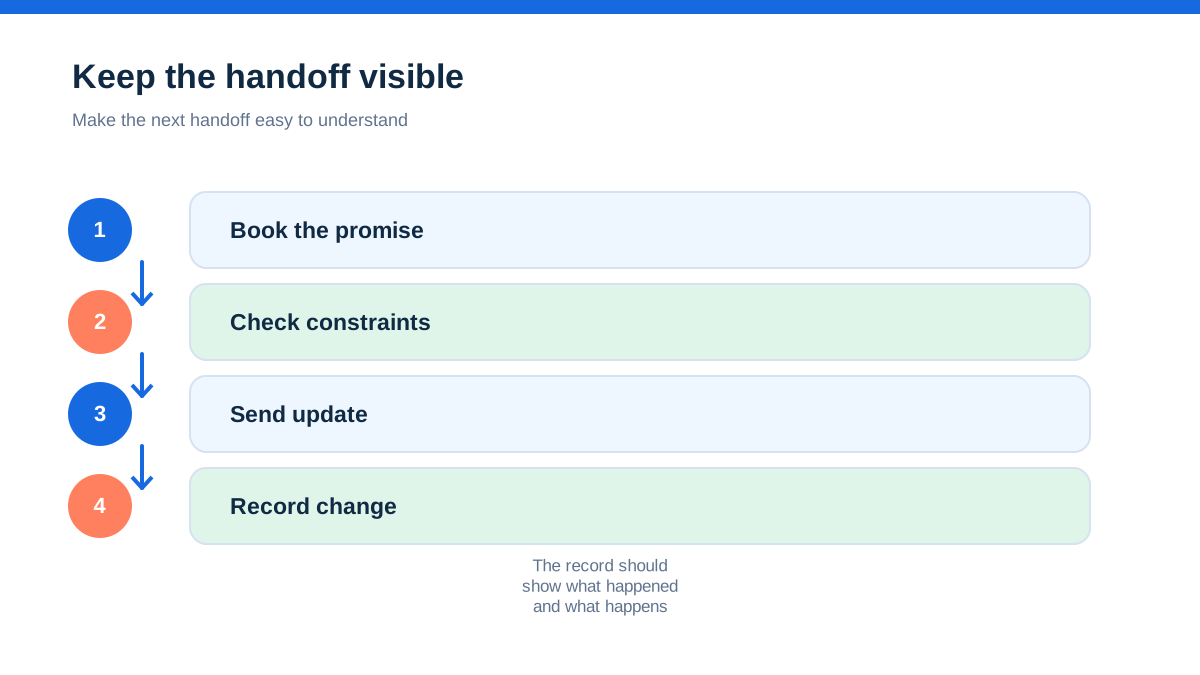
Set one channel for schedule changes. It can be a shared inbox, a scheduling board or a named coordinator. The rule is that a change is not confirmed until the authoritative schedule, job record and customer communication agree.
When a change request arrives, record the request time, requested window, reason, affected job token and decision. Check the person, vehicle, travel and equipment constraints again. Update the booking footprint. Contact the customer with the new window. Mark the old slot as released rather than deleting it if the history matters.
If an electrician is delayed on site, they should alert the schedule owner as soon as the likely impact is known. The scheduler can then protect the next customer’s expectation. A delay message is not a failure; an invisible delay is.
Use an escalation rule for uncertainty. For example, if the delay is likely to cross the next protected start, the scheduler contacts the next customer before the original arrival window. The exact timing depends on the business and the job, but the principle is consistent: communicate before the customer has to chase.
Never allow “I told them by text” to close the loop. The text may be part of the communication trail, but the schedule remains the operational record.
Run the ten-minute collision check
A short daily review can prevent a day of reactive calls. Do it before the first appointment, then repeat it when the schedule changes materially.
For each person, scan the protected footprints from left to right. Look for overlaps, impossible travel, missing access information, equipment conflicts, jobs with unknown duration and bookings that have not been confirmed with the customer. Compare the schedule with leave, training, stock collection and vehicle availability.
Then look one day ahead. Many collisions are visible earlier because a job awaiting a part, an access confirmation or a customer decision has not been resolved. Give each uncertain booking an owner and a review time.
Use a simple review record with five columns: job token, risk, owner, action and review time. Examples of risk are “travel margin removed”, “access not confirmed”, “specialist equipment not allocated” and “duration unknown”. This is more actionable than a note saying “check diary”.
At the end of the week, review the causes of near misses. Do not count them as evidence of a particular failure rate unless you have reliable records. Instead, look for repeated patterns: certain job types being under-timed, changes being sent through private messages, missing site information or one shared vehicle being treated as unlimited capacity.
Adjust the planning rule that created the pattern. Add a prompt, change the protected footprint, introduce a hold expiry or change who confirms the booking. The goal is to make the safer choice the easier choice.
The calendar is not the control
A single calendar can show where people are meant to be. It cannot decide whether the work is suitable, prepared or safe. The control is the combination of a full booking footprint, a named owner, a clear status, a real change rule and enough information for the person attending.
The most useful test is not whether the diary looks full. It is whether a person who did not take the original call can explain each booking and identify the next decision. If they can, the schedule is carrying operational meaning. If they cannot, it is only displaying appointments.
The aha is this: double-booking is a data problem before it is a calendar problem. Two records can both be accurate and still collide if they do not share the same definition of availability, duration, suitability and confirmation.
Build one authoritative schedule. Give each job a token. Protect the whole footprint. Treat changes as new planning decisions. Keep safety and competence considerations with the job rather than in somebody’s memory. Then the diary becomes what it should have been all along: a visible promise the business can realistically keep.
This guide is practical operations information, not electrical, legal or health-and-safety advice. Follow the relevant regulations, guidance, competence arrangements and site-specific risk controls for the work you undertake.
- [3] | Electricity at work: Safe working practices (11 October 2026)
Affiliate status: no affiliate links are used on this page. Provider links are direct sources only, pending programme approval.