Drafted for review. Last source review: 11 October 2026. No affiliate links are used in this article.
For: UK sole traders, small limited companies and growing trade firms using job-management software alongside accounting software Last reviewed: 11 October 2026 Editorial status: Draft only. No affiliate links. This is operational guidance, not tax advice.
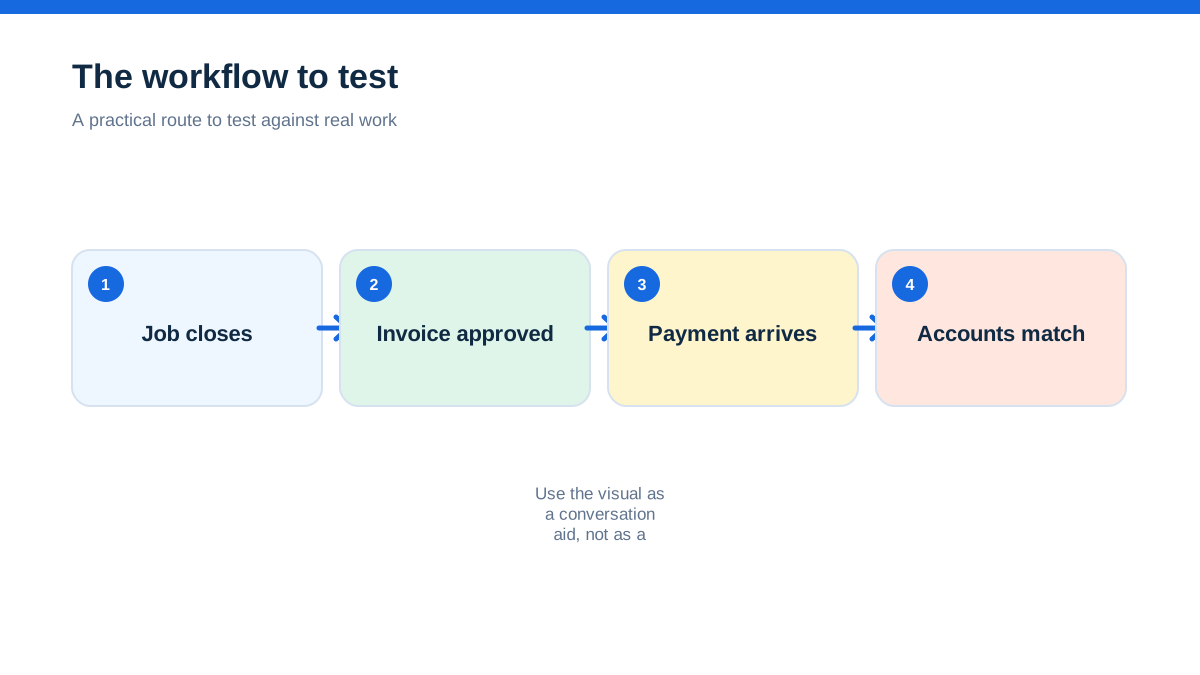
A plumber finishes a boiler repair at 4.20pm, takes a card payment on site and drives home. The job is closed in the field system, the invoice appears to be paid, and everyone assumes the accounting is done. Three weeks later, the bookkeeper finds a duplicate customer, a payment sitting in an undeposited account and a VAT code that does not match the business's intended treatment. The connection worked. The workflow did not.
That is the useful distinction when choosing an accounting integration for trade software. An integration is not simply a tick beside “Xero”, “QuickBooks” or “Sage”. It is a set of decisions about where a customer is created, where an invoice is approved, which tax code is applied, how a card fee is recorded, and who corrects an error. If those decisions are vague, automation can make a tidy-looking mess more quickly.
The aha is this: the safest integration is not the one that moves the most data. It is the one that gives each piece of data one clear owner, one review point and one recoverable route when something goes wrong.
This guide focuses on the operational connection between job-management software and accounting software. It does not repeat TradeJobGuide's separate MTD and VAT guide, and it does not review Xero as a product. HMRC obligations still apply independently of whichever connection you choose. Your accountant or tax adviser should confirm treatment for your business, especially where CIS, VAT schemes, payroll, mixed supplies, director transactions or unusual payment arrangements are involved.
When the office discovered two versions of the same customer
A small electrical firm can easily create a customer in two places. The office adds “Greenfield Property Management Ltd” to the accounting ledger while a technician creates “Greenfield PM” in the job app. Both names look sensible. Both may carry the same email address. Once invoices and payments start moving, the two records can be hard to reconcile.
This is not a theoretical concern. Jobber's official Xero guidance says its integration is one way from Jobber into Xero, with Jobber treated as the source of truth, and says there is no initial sync for existing clients, products, services or invoices.[1] Tradify's official help material describes a different model for its Xero connection, including two-way movement of invoices, payments and credit notes, with settings that affect invoice numbering and account mapping.[2] The labels sound similar, but the control implications are different.
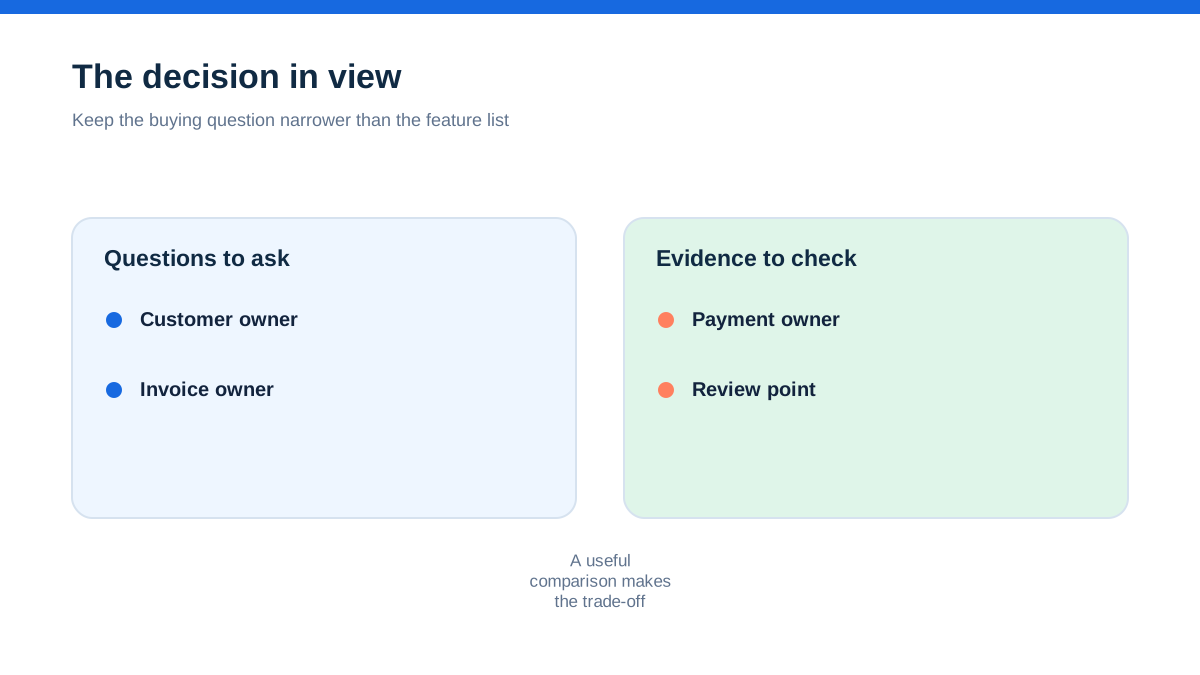
Before you connect anything, write down the answer to four questions:
- Where is a new customer created?
- Where are products, labour rates and tax treatments maintained?
- Where is an invoice considered approved and sent?
- Where is a received payment matched to the invoice and bank transaction?
If the answer is “either system”, the integration is not ready for live use. Choose one system for each record type, even if the connection technically permits edits in both places.
The job app and the ledger are solving different problems
A job-management platform is usually designed around work: enquiries, quotes, scheduling, site notes, photos, labour, materials, approvals and customer communication. An accounting platform is designed around financial records: invoices, bills, bank transactions, nominal accounts, VAT information, payroll and reports. Some products now cover both areas, but the underlying purposes remain distinct.
ServiceM8's UK Xero page illustrates the boundary. It describes job cards, schedules, client history, quotes, invoices and card payments, then explains that customers, items, invoices and payments can sync with Xero. It also says tax rates and income account codes are imported from Xero.[3] That tells you something important: the job screen may be the place where work is captured, while the accounting system remains the place that controls the chart of accounts and tax setup.
Treat the connection as a handover between two teams. The job system knows what was sold and delivered. The accounting system knows how that transaction should be classified and reconciled. The integration should preserve enough context for the second system to do its job, not pretend that the first system has replaced it.
A practical division often looks like this:
- Job system: appointment, site address, job notes, labour and material lines, photos, quote approval and operational status.
- Accounting system: chart of accounts, tax codes, bank feeds, bills, payroll records, reconciliations, statutory reports and accountant access.
- Payment service: authorisation, settlement, fees, refunds and chargebacks.
- Human review: unusual transactions, credits, partial payments, disputes, write-offs and corrections.
The exact division varies by product and plan. Confirm it in the current provider documentation before relying on it.
The most important field is the source-of-truth rule
The phrase “source of truth” sounds technical, but it is a simple instruction for a busy team: if a customer changes their legal name, update it here; if an invoice needs correcting, correct it there; if a payment is missing, check this report first.
Jobber explicitly tells users to regard Jobber as the source of truth for its Xero integration and to make updates in Jobber so they sync to Xero.[1] Its help page also warns that the connection starts from setup time rather than backdating the whole existing dataset.[1] Tradify's documentation presents a different operational picture, including two-way synchronisation and advice about keeping important customer details in both systems.[2] You cannot safely generalise from one provider's behaviour to another.
Create a one-page ownership table before connecting:
| Record | Owning system | Who may edit it | Review point | |---|---|---|---| | Customer identity | Job or accounting system, choose one | Office administrator | New account review | | Service and material items | Job or accounting system, choose one | Operations lead | Monthly price review | | Invoice content | Job system until approval, then accounting system if documented | Billing owner | Before sending | | Tax code | Accounting system or adviser-approved map | Accountant or trained finance user | New code or rule change | | Payment status | Payment and accounting workflow | Finance owner | Bank reconciliation | | Credit note or refund | Named finance owner | Finance owner | Same-day review |
Do not copy this table blindly. Its purpose is to expose ambiguity. A connection can only be trusted when the team knows who is allowed to change what.
A quote is not yet an invoice, and an invoice is not cash
Trade software often makes it easy to convert an accepted quote into an invoice. That is useful, but it can hide three separate events: work was priced, work was billed and money was received. An integration that sends all three as though they were the same event will produce poor reporting.
Map the lifecycle in plain language. A quote can remain operational. An approved quote can create a draft invoice. A sent invoice becomes an amount due. A payment notification records a receipt or payment instruction. The bank settlement is the transaction that should ultimately be reconciled. A card payment can also involve a processing fee, a payout delay or a refund.
ServiceM8 describes invoices raised through the job workflow and payments received on the job syncing to Xero, while payments received in Xero can sync back to ServiceM8.[3] Jobber's Xero page lists clients, products and services, invoices, payments and refunds as items that can sync, but also notes that the connection is one way.[1] These differences affect what “paid” means in the job app. Ask whether paid status is authoritative, whether it moves both ways, and whether the settlement or the customer payment is the event that reaches the ledger.
Use three test invoices before switching on automatic processing:
- One invoice with no payment.
- One invoice paid in full by bank transfer.
- One invoice paid by card where the settlement is net of a fee.
For each, check the invoice number, customer, date, account code, tax code, payment account, fee treatment and reconciliation path. Do not use a live customer record for the test.
Account mapping is a business decision, not a dropdown exercise
When an integration asks where sales, payments or fees should go, it is asking how the business wants to report its activity. “Labour”, “materials”, “maintenance contracts”, “call-out charges” and “subcontractor costs” may need different treatment for management reporting even if they appear on one invoice.
Jobber's setup instructions include mapping Jobber sales and payments to accounts in Xero.[1] ServiceM8 says tax rates and income account codes are imported from Xero.[3] Xero describes its app integrations as a way to connect data and reduce manual entry, while still encouraging users to choose applications by business function and industry.[4] None of those statements means the default mapping is automatically right for your firm.
Start with the reports you actually use. If you need to know whether reactive repairs are paying for the van fleet, the job and accounting systems must preserve a meaningful category. If you only need total turnover, a simpler map may be easier to maintain. Every extra code adds control potential and training cost.
Keep a mapping register with:
- source item name
- destination account
- tax code or tax treatment field
- who approved the mapping
- date approved
- example transaction
- what to do if the item is missing or renamed
Review the register whenever a new service, material category or payment method is introduced. Never “fix” a wrong code by editing random historical transactions without understanding the reporting and tax effect.
The first connection should be a controlled rehearsal
A trade business often connects software late at night after a sales pitch, then discovers the next morning that an old customer list has duplicated or that invoice numbers have changed. A rehearsal avoids that surprise.
Export or record the existing customer, product, invoice and payment counts in both systems. Confirm whether the provider offers an initial import, ongoing sync, manual sync or no historical backfill. Jobber's guidance says its Xero integration has no initial sync for existing clients, products, services or invoices.[1] Tradify's documentation describes options that can affect invoice numbering and imported price-list items.[2] Those are materially different migration conditions.
For the rehearsal, use a test customer and a small batch of representative items. Include a labour line, a material line, a discount, a credit note and a payment. If the provider only permits a live connection, choose a quiet period, export a backup first and agree a rollback plan with whoever maintains the accounts.
Record what happened, not what you hoped would happen. How long did each item take to appear? Which fields changed? Did a customer name overwrite a contact? Did a payment land in an interim account? Did a failed sync produce a visible alert? Those observations become the operating procedure for the team.
The bank feed is where a good connection proves itself
An invoice appearing in the accounting system is not proof that the books are complete. The bank feed or payment settlement is the test. A business can have a perfect-looking invoice list while cash remains unreconciled.
Xero's UK accounting page describes automatic bank feeds, online invoicing and bank reconciliation as separate capabilities.[5] Its cashflow material also distinguishes invoices due, bills to pay and expected payment dates from the actual bank position.[6] The operational lesson is to inspect the chain from invoice to payment to bank transaction, rather than assuming one event confirms the others.
Set a daily or weekly review that answers:
- Which invoices were sent but not accepted by the payment service?
- Which payments are awaiting settlement?
- Which bank lines have no matching invoice?
- Which invoice is marked paid but still appears outstanding in the ledger?
- Are card fees, refunds and chargebacks classified consistently?
- Is an owner transfer, loan or personal purchase being mistaken for sales cash?
For a limited company, keep company and personal finances clearly separate. GOV.UK says a company is a separate legal entity and that its banking should be separate from personal banking.[19] A connected job app cannot correct a mixed bank account. The control has to exist in the business's banking and bookkeeping practice.
A live error needs an owner and a clock
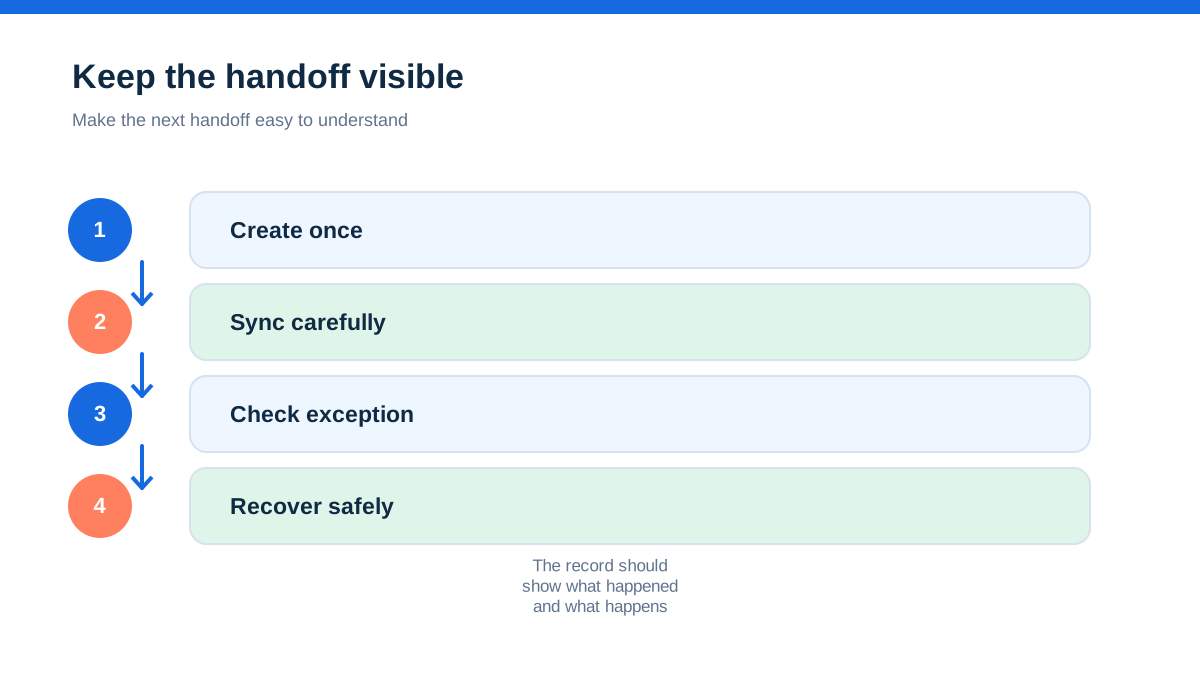
Every integration eventually encounters an expired authorisation, a renamed account, a duplicate contact, a rejected tax code or an invoice that did not sync. The risk is not the existence of errors. The risk is that nobody owns the queue.
Name one person to review integration alerts and one backup person. Set a response time that fits the business, such as checking every working day during billing periods. Keep a simple exception log with invoice number, customer, error message, date found, person investigating, correction made and confirmation that the downstream record is now correct.
Provider documentation can help diagnose ownership. Jobber says its Xero integration is built and maintained by Xero and directs users to Xero Support for many sync problems, including missing or duplicated transactions.[1] Tradify documents reauthorisation and integration settings in its help centre.[2] Save the relevant support URLs in the internal procedure, but do not treat support guidance as a substitute for your own reconciliation.
Never clear an error by deleting both records and starting again unless you understand the audit trail and numbering consequences. A duplicate invoice may need a credit note, a void, a correction or adviser review. The right treatment depends on what was sent, what was paid and what has already been reported.
Legal records still exist outside the integration
Accounting connections can support record keeping, but they do not decide which records a business must retain. GOV.UK says self-employed people should keep sales, income, expenses, VAT records where registered, PAYE records where relevant and supporting proof such as receipts, bank statements and sales invoices.[17] Self-employed records generally need to be kept for at least five years after the relevant 31 January submission deadline.[18]
For companies, GOV.UK says accounting records include money received and spent, assets, debts, stock, goods bought and sold, invoices, contracts, bank statements and related documents. It says records normally need to be kept for six years from the end of the relevant financial year, with longer periods in some circumstances.[19]
Those rules are not a promise that a job app or accounting platform will preserve everything in the required form forever. Check exports, attachments, access rights, retention settings, supplier terms and the ability to retrieve a readable copy. If you change systems, make the archive part of the project rather than assuming historical data will remain available.
This is also where operational and legal questions must stay separate. A software feature may be described as “MTD ready”, “VAT enabled” or “CIS capable”. That describes a product capability or provider claim. It does not decide whether your business is within a rule, whether a transaction is classified correctly or whether a return is complete. HMRC's current guidance remains the source for those obligations.
The hands-on method: draw one invoice on paper
You can test an integration without building a complicated implementation plan. Take one ordinary job and draw its full path on a sheet of paper:
Enquiry → quote → approval → scheduled work → labour and materials → invoice draft → invoice sent → payment instruction → settlement → bank line → reconciliation → month-end report.
Under every arrow, write the system that owns the event, the person who checks it and the evidence left behind. Then run the following rehearsal:
- Use a test customer with a deliberately distinctive name.
- Add one labour item and one material item.
- Create a quote and convert it to an invoice.
- Send it through the normal customer channel.
- Record a bank transfer or card payment using the provider's permitted test process.
- Check the destination accounting record and the bank or settlement account.
- Reconcile the transaction.
- Export the invoice and the payment record.
- Introduce one controlled exception, such as a credit note or changed customer email, and document the correction.
The result should be a short operating sheet, not a collection of screenshots. It should say what staff do when the normal path works, what they do when the connection fails and who makes a tax or accounting judgement. Repeat the rehearsal after a major software change, new payment method, new bank account or change of accountant.
What to ask before you trust the connection
Ask the provider and your accountant questions that force a concrete answer:
- Is the connection available on the plan and in the UK version of both products?
- Is sync one way, two way, manual, automatic or event-triggered?
- Which system is the source of truth for each record type?
- Is there an initial import or historical backfill?
- What happens to existing customers and duplicate contacts?
- Which events create invoices, payments, refunds and credit notes?
- How are card fees and payouts represented?
- Can tax codes and account mappings be locked or reviewed?
- What happens when authorisation expires?
- Can you export a complete, readable record before leaving?
- Which support team owns a failed sync?
- What remains for a human to review?
Xero's app marketplace guidance says connected apps can be added or removed as needs change and can reduce manual data entry.[4] That flexibility is useful, but it also means the workflow needs an owner. A connection is part of the firm's control environment, not just an optional convenience.
The calmest setup is the one the team can explain
If a technician, office administrator and bookkeeper each describe the connection differently, the setup is fragile even when the screens look polished. A dependable arrangement has a small number of rules, a named owner for exceptions and a routine that compares the job system, accounting ledger and bank.
Choose the narrowest data flow that removes duplicate entry without hiding judgement. Keep the job record rich enough to explain the work. Keep the accounting record precise enough to support reports, reconciliation and the business's obligations. Use provider documentation for current feature behaviour and GOV.UK for legal and tax requirements.
The best outcome is not “everything syncs”. It is that a completed job becomes a traceable invoice, a received payment becomes a matched bank transaction, an error becomes a visible task, and the business can explain what happened months later.
Affiliate status: no affiliate links are used on this page. Provider links are direct sources only, pending programme approval.