Drafted for review. Last source review: 11 October 2026. No affiliate links are used in this article.
*Standalone provider review for UK tradespeople and small field-service teams. Checked 11 October 2026. This article uses BigChange's official pages and does not claim hands-on testing.*
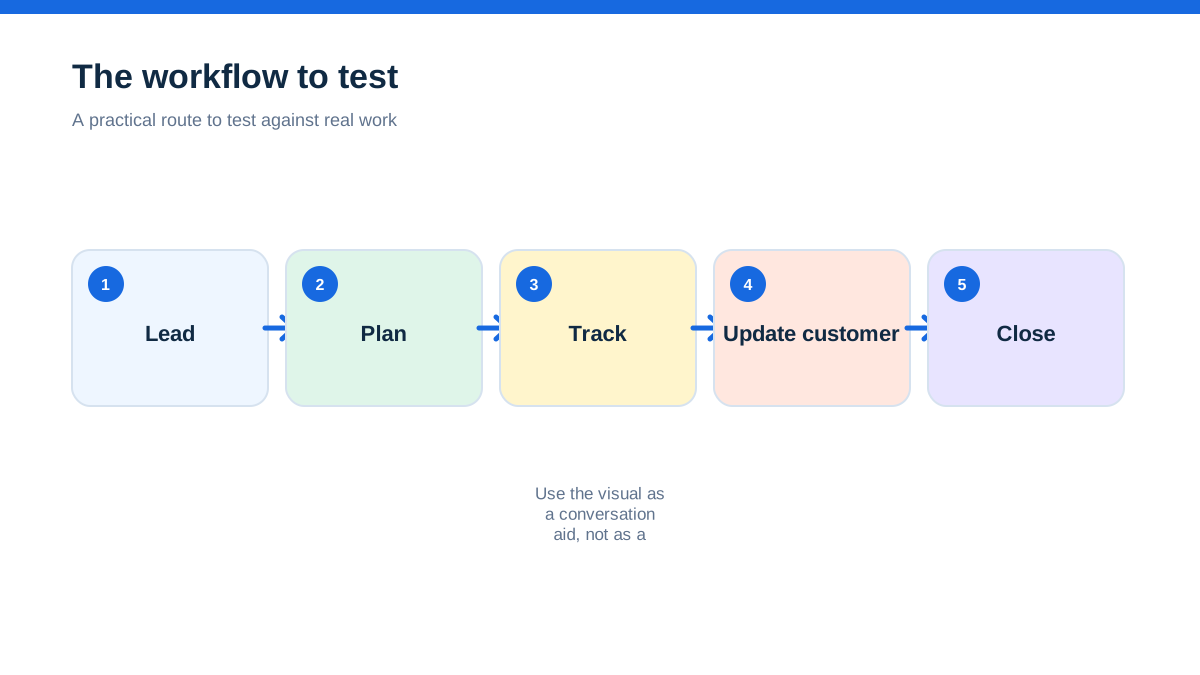
BigChange is positioned as an all-in-one job-management platform for field-service businesses. Its official pages bring together CRM, job scheduling, a mobile app, live tracking, quote and invoice functions, business intelligence and a collaboration network. The feature pages also describe customer portals, ETA alerts, booking confirmations, digital job sheets, service reminders, asset management, risk assessment, proof of service, timesheets and driver-behaviour tools.[1][2][3]
The short verdict is that BigChange deserves a serious look when your operation has a meaningful office-to-field handoff, mobile teams, vehicles, customer updates, recurring service, job evidence or a need to coordinate subcontractors. It is less obviously appropriate when you are a lone tradesperson who only needs a simple quote, diary and invoice tool. That is a fit judgement based on the scope BigChange publishes, not an independent usability or value claim.
BigChange does not publish a simple numeric subscription price on the checked pricing page. It lists what all plans include, describes extras and asks prospects to request pricing.[1] That means no honest review can invent a monthly figure or rank BigChange on price alone. A prospective buyer should request a quote for the real number of office users, field staff, vehicles, devices, integrations and implementation requirements.
The missed visit that starts the conversation
Imagine a maintenance company with six vans, an office planner and customers who need to know when someone will arrive. A job moves because a part is delayed. A customer wants an updated ETA. The engineer needs site history, risk information and a job sheet. At the end, the office needs proof of service, time, parts and an invoice that does not depend on a paper folder returning to the desk.
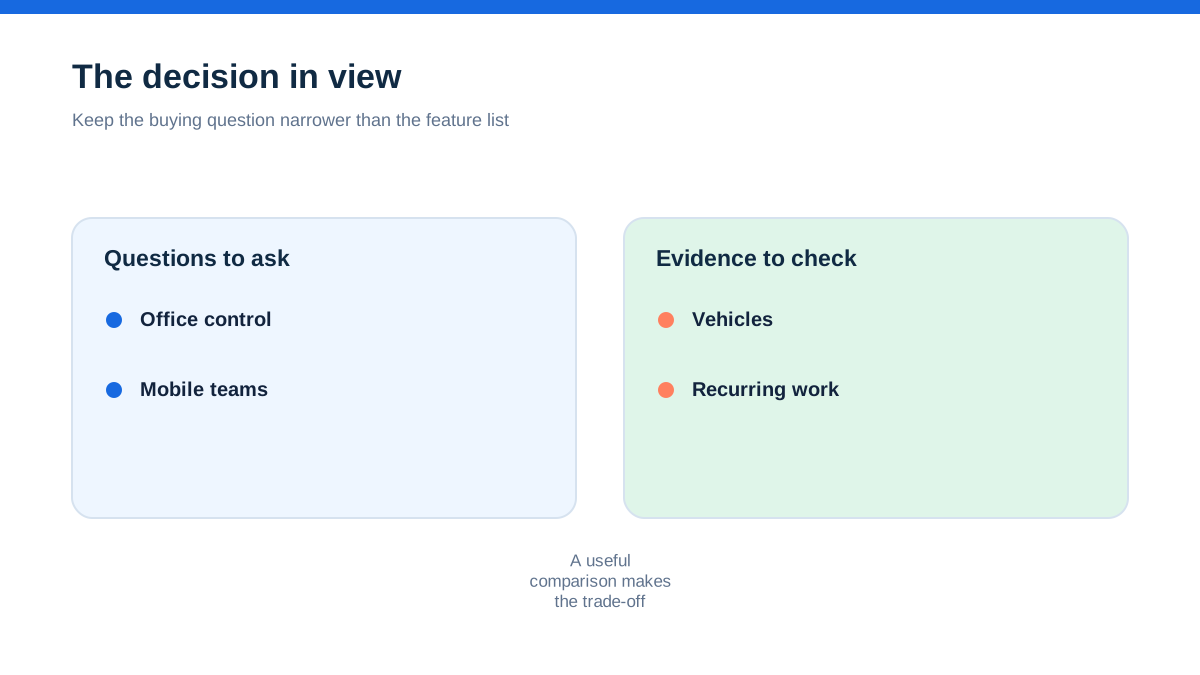
BigChange's official features page describes a customer portal, integrated payments, ETA alerts, booking confirmations, job sheets, service reminders, live tracking, digital worksheets and risk-assessment controls.[2] Its scheduling page says jobs placed on an engineer's calendar appear on mobile devices and that route optimisation can account for traffic, engineer skills and vehicle equipment.[3]
That is the context in which BigChange makes sense. It is not merely a calendar with a customer database added on. The platform is presented as a coordinated system for work that moves through office planning, mobile delivery, customer communication, evidence and finance.
What the platform includes according to BigChange
The pricing page says all plans include support, CRM, job scheduling, a mobile app, live tracking, quote and invoice functions, business intelligence and a collaboration network.[1] It separately lists extras including AI dashcams, fleet, fuel cards, data-as-a-service and unlimited data with a rugged tablet or smartphone.[1]
The features page divides the experience into work in the office, work in the field and work with customers.[2] In the office, the product material describes CRM, scheduling and business coordination. In the field, it highlights mobile work, asset management, tracking, worksheets, risk assessment, proof of service, timesheets and driver behaviour. For customers, it lists a portal, payments, ETA alerts, booking confirmations, job sheets and service reminders.[2]
This is a broad scope. The sensible interpretation is that BigChange is aimed at businesses where operational visibility and standardised field evidence are important. The public pages do not prove that every tool is included in the same commercial package beyond the items the pricing page labels as included, so ask for the exact quote and configuration.
Scheduling is designed around movement, not just appointments
Many trade businesses start with a shared calendar. The problem appears when the day contains traffic, skills, equipment, emergency call-outs, access windows and customers who want an ETA.
BigChange's scheduling page describes drag-and-drop jobs, real-time mobile sync, site history, site notes and equipment details. It also describes automatic route optimisation that accounts for traffic, engineer skills and vehicle equipment.[3] The page says customers can choose appointment slots through an online booking portal, with the system matching available engineers and reducing conflicts.[3]
Those are meaningful claims about the product's intended workflow. They do not establish a particular fuel saving or route quality for your territory. The same page presents provider-reported figures such as 11% less drive time per job and 10% less fuel used, alongside broader savings claims.[3] Treat those as BigChange's published claims, not as a guaranteed result for a UK trade business.
The question for a buyer is whether the system can handle your exceptions. Ask it to schedule a normal day, then add an urgent job, a fixed-time appointment, a specialist skill, a vehicle requirement and a customer who cannot offer flexible access. Watch which decisions are automated, which can be overridden and whether the reason for a change remains visible to the office and field team.
The mobile app is where the promise is tested
BigChange describes its mobile app as available for Android and iOS phones and tablets. The mobile workforce page says engineers can manage jobs, complete timesheets and log expenses, while job information, site notes and previous work history are available on the device.[4]
The same page describes custom worksheets and workflows for data capture, photos and barcode scanning. It also says app users can view recent job history and previous photos at a site. BigChange presents offline operation as part of the field-service workflow, with jobs, forms, photos and signatures syncing when the device reconnects.[4]
These are useful capabilities for teams that cannot rely on paper or a constant signal. They still need a real-world check. Ask an engineer to open the day's jobs, find a previous site record, complete a worksheet, capture a photograph, collect a signature, record time and parts, then continue when connectivity is unavailable. Check what the engineer can see and what the office receives after reconnection.
The aha is that a field app is not valuable because it puts a dashboard in a van. It is valuable when it removes the return-to-office ritual in which someone retypes notes, searches for photographs and asks what happened on site.
Digital worksheets can make quality repeatable
BigChange's feature pages place digital worksheets, risk assessments and proof of service near the centre of the field workflow.[2][4] The mobile page describes custom worksheets that can capture data, photos and barcodes. It also says technicians can be presented with the appropriate risk assessment or permit-to-work assessment, with electronic sign-off, and that jobs cannot start until the required control is completed.[4]
That could suit businesses where every visit needs a consistent record, not just a free-text note. Examples might include maintenance, drainage, waste, building services or other work where photos, signatures, checklists and site evidence matter.
Do not assume a generic worksheet automatically satisfies a legal, contractual or industry obligation. BigChange's pages describe product functionality, not a universal compliance decision for every trade. Build your own forms with the provider and ask how revisions, approvals, mandatory fields, access rights, retention and exports work.
A good form should help the engineer complete the work, not turn a straightforward visit into an obstacle course. Include the questions that prevent a return visit or customer dispute. Leave out fields that exist only because someone once wanted more data.
Proof of service connects the job to the customer
Customers often care less about the internal route plan than whether the work happened, what was found and what they should do next. BigChange describes proof of service through time-stamped photographs and digital signatures.[2][4] It also describes job sheets, customer access to job documentation and a customer portal where users can request work, track progress and download job cards.[2]
This combination may be useful for a team that regularly deals with questions about access, condition, completion or follow-up work. A consistent job pack can give the office and customer the same record instead of relying on a chain of messages.
The right evaluation question is not “does it have photos?” It is “can the customer receive the right evidence without seeing internal notes, and can the office find that evidence months later?” Ask about templates, branding, customer permissions, document timing and the difference between a draft job record and a final customer document.
BigChange also describes automated booking confirmations, ETA alerts and service reminders.[2] These can reduce routine calls, but automation should remain under control. Confirm which messages are sent, to whom, through which channel and what happens if the job changes after a notification.
Fleet and driver tools change the shape of the purchase
BigChange's pricing and feature pages include live tracking, fleet-related extras, driver-behaviour information and electronic vehicle walk-around checks.[1][2] The platform therefore reaches beyond job administration into vehicle and mobile-workforce coordination.
That may matter to businesses where vans, travel time, vehicle equipment or driver records have a material effect on service delivery. It may be unnecessary overhead for a sole trader using one vehicle and working locally.
Do not assume that live location automatically improves a business. Decide what problem it is solving. Is the objective to send the nearest suitably equipped engineer, give customers a better ETA, understand travel patterns, verify attendance, or manage vehicle risk? Each goal has a different verification question.
Also ask how staff are informed about tracking, what data is retained, who can access it and how the organisation handles privacy and employment expectations. The public product pages do not provide enough detail to answer those governance questions.
Payments, quotes and invoices are part of the same flow
BigChange's pricing page lists quote and invoice functions among the items included in all plans and lists integrated payments as a feature on its main product pages.[1][2] The campaign material indexed by the provider also describes job costs, parts, labour, on-site invoicing and connections with Sage or Xero, while the official scheduling page describes invoice synchronisation with Xero and Sage.[3]
Those pages show the intended finance handoff: a completed field job produces the information required for customer billing and accounting, rather than waiting for a paper sheet to reach the office. They do not answer every question about VAT, payment fees, credit notes, nominal codes, partial invoices, purchase orders or data correction.
Ask for a finance demonstration using a completed job with labour, materials, a variation and a customer payment. Trace what the engineer records, what the office approves, what the customer sees, and what enters the accounting system. Confirm which integration and payment features are included in your quote.
The main benefit to look for is not a polished invoice. It is the reduction of unexplained gaps between work completed, evidence collected and cash requested.
Customer portals can reduce calls, but only with good boundaries
BigChange presents its customer portal as a place where customers can request jobs, track progress and download job cards.[2] Its scheduling page says booking slots can be offered online and matched to available engineers. The pricing page lists CRM and collaboration capabilities as included features.[1]
For a field-service team, that could put useful answers in front of a customer without requiring a planner to respond manually. It could also help a contract customer view job documentation and service progress.
A portal can also expose confusion if customer records, site names, job statuses or internal ownership are not clean. Ask what a customer can view, whether different customers can have different permissions, how multiple sites are handled and how users request urgent work. Confirm whether portal use is included for every customer or depends on a particular setup.
Keep the customer-facing experience tied to the actual promise. If the office has not verified the engineer's arrival time, do not present an ETA as a certainty. If the job is awaiting a part, show a status that the customer can understand and the office can maintain.
Pricing is deliberately sales-led
BigChange's official pricing page does not show a public monthly or per-user price on the checked page. Instead, it says all plans include a core collection of tools, lists extras and invites prospects to request pricing.[1] It also states that BigChange offers UK-based support and describes the product as customisable and quick to implement.[1]
That is not a hidden price to be guessed. It is a buying route that requires a quote. Do not use third-party estimates, old screenshots or a competitor's price as a substitute for the provider's current commercial terms.
Request the quote in writing and ask it to identify the billing unit, number of office and field users, devices, data plans, vehicle tracking, integrations, customer portal access, payments, onboarding, training, support, contract length, cancellation and any extras. Ask whether the items you need are included in the plan or supplied as separate services.
BigChange's own pages also present savings claims, including “£5 for every £1 spent”, 11% less drive time per job, 25% less back-office admin and 9.2% shorter job duration on average.[1][3] These should be treated as provider-reported claims and not as a promise of what your operation will save. Use your own baseline for drive time, admin, repeat visits, missed access, invoice delay and customer calls.
Where BigChange may be too much
The platform's breadth is its attraction and its warning sign. A business with several mobile workers, vehicles, repeated site work, customer notifications and evidence requirements may benefit from one coordinated environment. A one-person business with a light diary and simple invoices may spend more time configuring a system than the operational problem justifies.
That does not make BigChange a large-business-only product. The public site lists trade and service sectors and describes a customisable platform.[1][2] It does mean that the buyer should identify the specific operational problems that justify the scope.
Ask whether you need live tracking, route optimisation, digital risk assessments, job worksheets, customer portal access, asset records, payment integration, fleet controls and collaboration with subcontractors. If the answer is no to most of them, compare the cost and effort of a narrower system. If the answer is yes, ask BigChange to show one connected workflow rather than a tour of unrelated features.
The public pages do not provide independent testing of ease of use, implementation time or return on investment. This review cannot claim those outcomes.
A hands-on method that matches real field work
A fair BigChange evaluation should use a job that is messy enough to expose the platform's value. Remove personal information, keep the real sequence and ask the provider to demonstrate the same scenario without replacing it with a generic sample.
- Log a customer request against a real site and choose an appointment window.
- Schedule an engineer who has the right skill and equipment, then add an urgent job elsewhere on the route.
- Send the change to the mobile app and check what the engineer can see about the customer, site, history and equipment.
- Complete a worksheet with a risk assessment, photograph, barcode or asset detail, time and customer signature.
- Continue the field record without connectivity and then reconnect the device.
- Send an ETA or booking update, review the customer portal view and produce the job sheet the customer should receive.
- Convert the completed work into a quote variation or invoice and trace the accounting or payment handoff.
- Ask a manager to find the evidence, travel information and job status without relying on the engineer's memory.
Have the planner, engineer and finance owner write down the point at which the system prevented a mistake, the point at which it demanded duplicate entry and any feature that requires an extra module or commercial confirmation. Repeat the exercise with a recurring maintenance job if that is a major part of the business.
This method is not a product test conducted by TradeJobGuide. It is a practical buying method for your own team, designed to turn broad product claims into questions about your work.
The checked pages are detailed about the platform's intended capabilities, but they do not settle every buying question. They do not provide a complete public price list, a neutral comparison with other providers, a guaranteed implementation timetable or independent evidence that the stated savings will occur in every business.
They also do not fully specify data export, permission granularity, record retention, API limits, device policy, support response targets, contract flexibility, payment charges or the exact configuration of each extra. Those gaps are normal reasons to ask a provider for a written scope. They are not permission to fill the gaps with assumptions.
For UK tradespeople, also confirm how the system handles your customer contracts, VAT and accounting workflow with your accountant or finance lead. The provider pages name integrations and capabilities, but your compliance and tax responsibilities remain yours.
Who should shortlist BigChange first
Put BigChange near the top of the shortlist when several people need a shared operational picture and the work involves travel, scheduling, customer updates, site evidence, assets, forms, vehicles or repeat maintenance. The official pages align strongly with that type of business.[1][2][3]
It is especially worth a closer look when the business is losing time in the gaps between booking, dispatch, field completion, proof of service, customer communication and invoicing. BigChange's published feature set is built around those handoffs.
For a small trade business, the deciding question is not whether BigChange has enough capability. It is whether the team will use the capability consistently and whether the quote makes sense against the cost of the current problem. A platform that standardises good field records can be valuable. A platform that becomes another unused dashboard is not.
Final verdict: BigChange is a coordination platform, not just a job diary
BigChange's official pages describe a product that connects office planning, mobile work, customer communication, field evidence, fleet visibility and financial handoff. That makes it a credible candidate for UK field-service operations with more moving parts than a simple diary can hold.
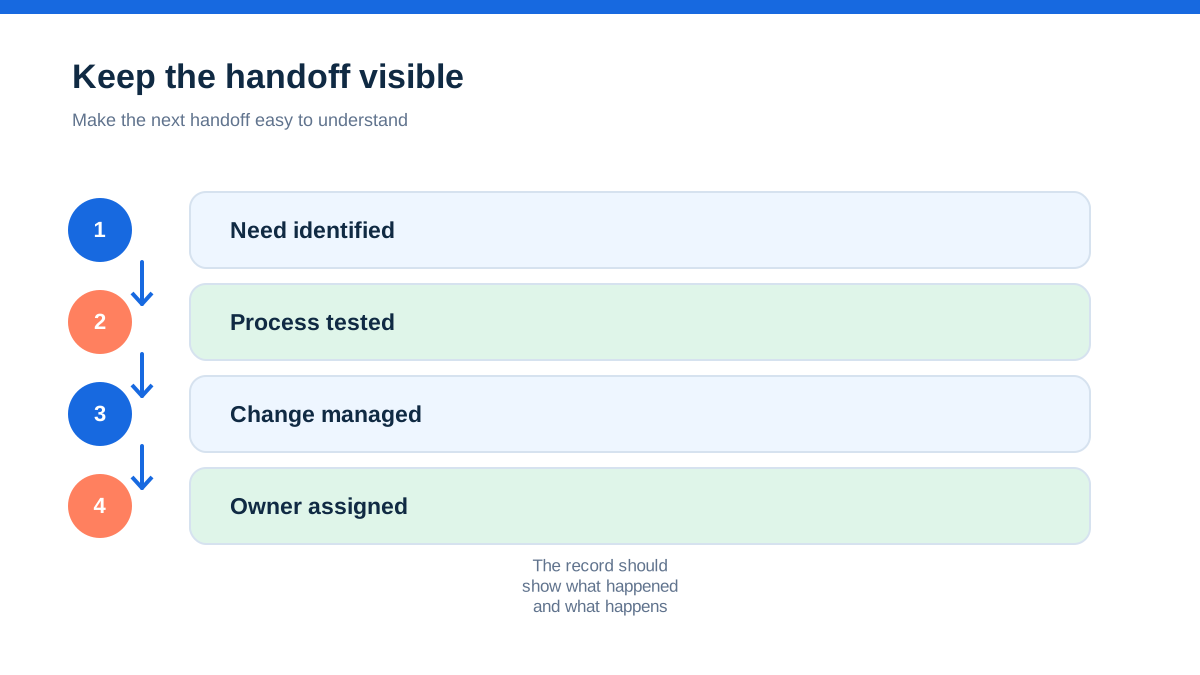
The real aha is that the value of an all-in-one platform appears in the transitions. A schedule change should reach the field. A site record should reach the person doing the work. A photo and signature should reach the customer. A completed job should reach finance. A recurring obligation should return to the calendar without someone remembering it manually.
Do not buy on provider-reported savings or an attractive feature list. Request a current written quote, confirm what is included, and run one realistic job with a planner, engineer and finance owner. If BigChange makes those transitions reliable without forcing your team into a shadow spreadsheet, it may be the right kind of system. If your business has few of those transitions, a narrower product may be easier to justify.
- [1] : BigChange official pricing page (11 October 2026)
- [2] : BigChange official features page (11 October 2026)
- [3] : BigChange official job scheduling page (11 October 2026)
- [4] : BigChange official mobile workforce page (11 October 2026)
Affiliate status: no affiliate links are used on this page. Provider links are direct sources only, pending programme approval.